
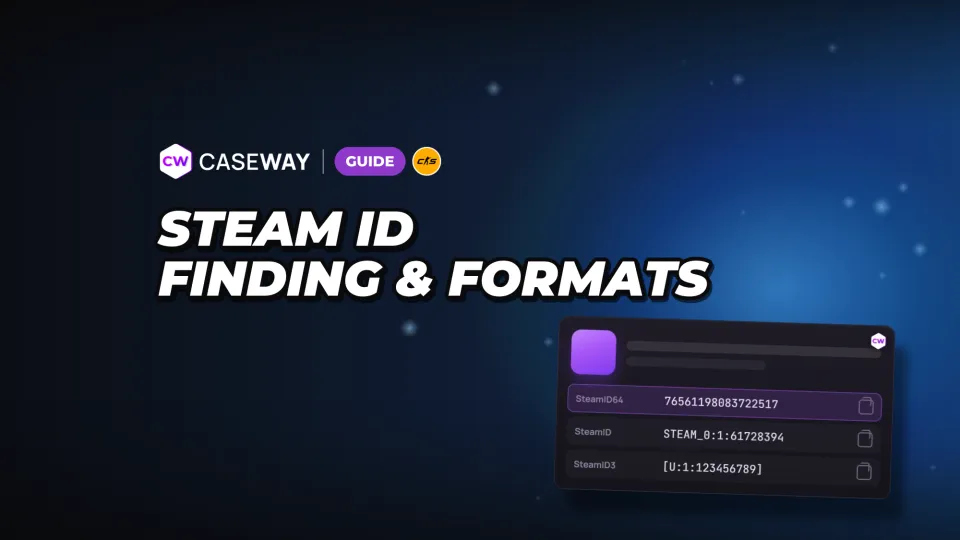
A Steam ID lets a website, game server, or support team identify your account. First, check which format they need: SteamID64, SteamID, SteamID3, or Account ID. They all point to the same account but look different.
- Where to look
- In your Steam profile URL, after /profiles/
- SteamID64
- 17 digits, starts with 7656119
- Custom URL
- A link with /id/ needs to be converted to an account number
- Security
- A Steam ID doesn’t give access to your account
- Friend code
- Matches the Account ID
Where to find your Steam ID in a profile link
Open your profile on steamcommunity.com and check the URL in your browser. What you see depends on the part of the link after the site name. One type shows the account number; the other has the custom URL name you chose.
- Open your Steam profile on steamcommunity.com.
- If the URL contains /profiles/ followed by 17 digits, copy those digits. That’s your SteamID64.
- If the URL contains /id/ followed by a custom URL name, copy the full link and paste it into Caseway’s “Steam ID” tool.
- Copy the result in the format requested by the website, server, or support team.
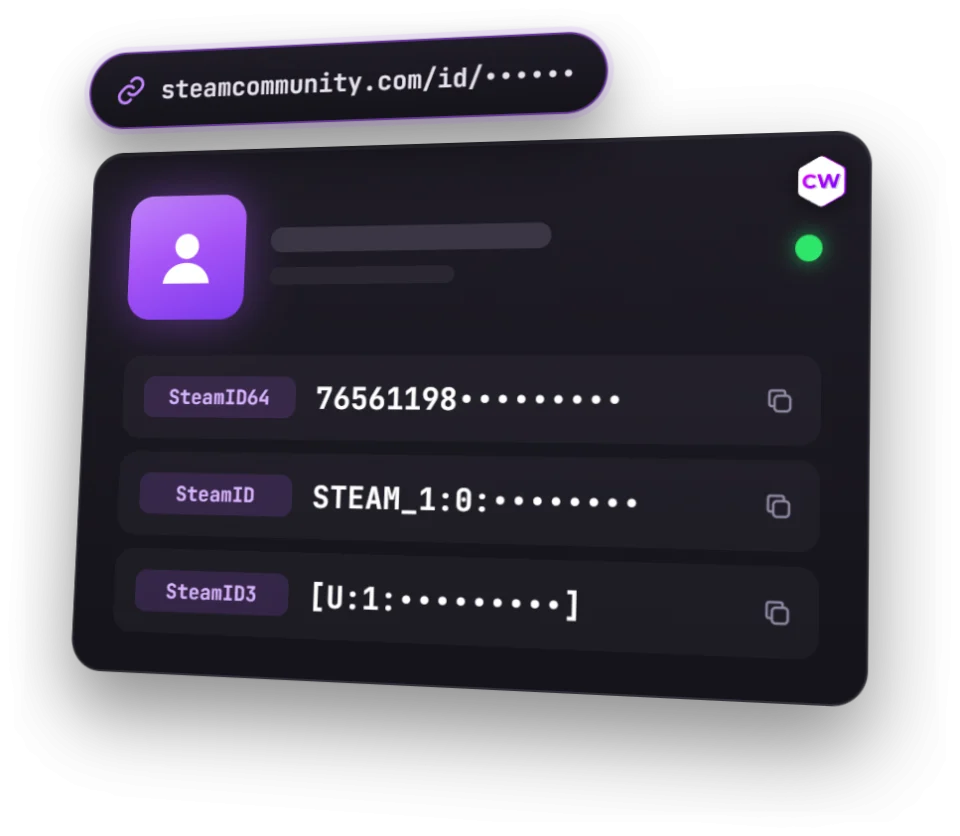
Paste a full profile link into the “Steam ID” tool, or enter just the name from the URL after /id/. It’ll show the SteamID64, SteamID, SteamID3, and Account ID. Click any result to copy it.
How to find your Steam ID on a phone
On your phone, open the same Steam profile in a browser and check its URL. The rule is the same: SteamID64 comes after /profiles/, while /id/ is followed by the name in your custom URL. For the latter, paste the link into the tool and copy the format you need.
Copy the full profile URL if you’re not sure which part to use. The tool accepts both types of link, so you don’t need to pick out the number or username yourself.
What is a Steam ID, and does it change when your username changes?
Steam assigns an ID to every account automatically. It identifies a specific account and won’t change if you update your username or profile URL. You can change your in-game name, but the number stays the same.
Steam describes this identifier in its Privacy Agreement as a way to identify an account without revealing personal information. The number itself is public. It can’t be used to log in, so you can share it with a service or support team to help them find your profile.
SteamID64, SteamID, SteamID3, and Account ID: Which Format Do You Need?
Marketplaces and services almost always ask for SteamID64. Game servers use SteamID and SteamID3, while Dota 2 profile links and some stat-tracking services use Account ID. Check which format the service asks for.
| Format | What it looks like | Example for one account | Where it’s used |
|---|---|---|---|
| SteamID64 | 17 digits, starts with 7656119 | 76561198083722517 | Marketplaces and services |
| SteamID | STEAM_0:Y:Z | STEAM_0:1:61728394 | Game servers, plugins, logs, and community ban lists |
| SteamID3 | [U:1:W] | [U:1:123456789] | Game servers, plugins, logs, and community ban lists |
| Account ID | Short number W | 123456789 | Dota 2 profiles and some stat-tracking services |
All four examples in the table refer to the same account. The Account ID also matches the friend code on Steam’s Add a Friend page and the Friend ID on a Dota 2 profile. It doesn’t include the prefixes STEAM_0: or [U:1:...].
How to convert an ID into other formats
You don’t have to convert the number by hand. The tool accepts SteamID64, STEAM_0:..., and [U:1:...] and shows the other formats. To understand how they relate, start by getting the Account ID, represented by W.
- To get W, subtract 76561197960265728 from the SteamID64.
- Y is the remainder when W is divided by 2.
- Z is the whole-number result of dividing W by 2.
- For SteamID, use Y and Z in STEAM_0:Y:Z. For SteamID3, use W in [U:1:W].
For SteamID64 76561198083722517, the corresponding IDs are Account ID 123456789, SteamID STEAM_0:1:61728394, and SteamID3 [U:1:123456789]. If a server asks for SteamID3, include the full entry with the square brackets, not just the number inside.
How to find another player’s Steam ID
The steps are the same for someone else’s account. Open their profile and copy the URL. A link with /profiles/ already contains their SteamID64. You can paste a link with /id/, or the name from that link, into the Steam ID lookup tool.
The name you need for a lookup is the part of the URL after /id/, not your in-game name in CS2. Get it from your profile link: your display name and profile URL are different.
Can you find the ID of a private profile?
A private profile doesn’t hide its Steam ID. Steam still shows the account number, username, avatar, and bans. The tool also shows VAC bans and trade bans, but it only displays the account creation date for public profiles.
Steam IDs and trade URLs serve different purposes
A Steam ID identifies your account. A trade URL lets someone send you a trade offer. If a skin site asks for a link to withdraw items, it needs your trade URL. Your account number won’t work instead.
In Steam, go to “Trade Offers,” then “Who can send me Trade Offers?” to find your trade URL. Our Steam trade URL guide can help you find it. The link itself doesn’t give anyone access to your account.
What VAC and trade bans mean on a profile
A Steam ID lookup can also show account bans. A VAC ban and a trade ban are different restrictions, so check which status appears next to the profile.
- A VAC ban is a Valve Anti-Cheat ban on an account.
- A trade ban blocks trading and use of the Steam Community Market.
These statuses are part of the public information on a Steam profile. Steam doesn’t show FACEIT bans. To check a profile on that platform, use FACEIT by Steam profile.
Frequently Asked Questions
Where can you find your Steam ID?
Open your Steam profile in a browser and check the URL. The 17 digits after /profiles/ are your SteamID64. If you see /id/ followed by a custom URL name instead, paste the link into Caseway’s “Steam ID” tool.
What is SteamID64?
SteamID64 is a 17-digit account number that starts with 7656119. Marketplaces and services almost always ask for it. In a numeric profile URL, it comes after /profiles/.
How do you find a Steam ID by username?
Copy the name from your profile URL after /id/ and paste it into Caseway’s “Steam ID” tool. It’ll show the number in all four formats. Use the name from the link, not your in-game display name.
Can someone hack your account with your Steam ID?
You can’t use a Steam ID to log in to an account. It’s a public identifier that points to a profile without revealing personal information.
Are a Steam ID and friend code the same thing?
Your Steam friend code is the same as your Account ID, one of the account number formats. SteamID64, SteamID, and SteamID3 look different, but they all refer to the same account. If a service asks for a specific format, use that one.