
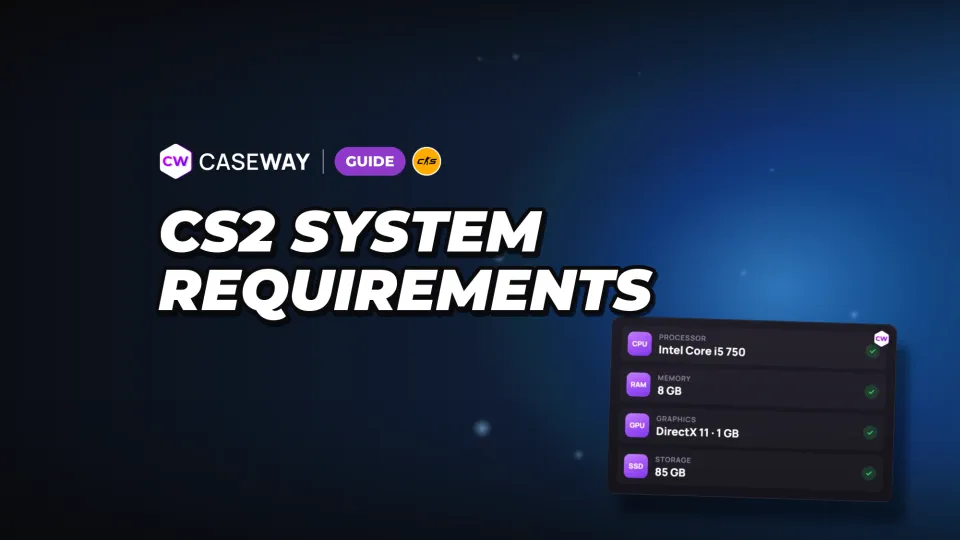
- Memory
- At least 8 GB of RAM
- Disk
- 85 GB of free space
- Platforms
- Windows and Linux
- Mac
- CS2 isn’t supported
Minimum CS2 system requirements for Windows
Steam lists Windows 10 as the minimum OS. Check every row in the table: a compatible processor isn’t enough if you’re short on RAM or your graphics card doesn’t support the required features.
| Component | Minimum requirement |
|---|---|
| Operating system | Windows 10 |
| Processor | 4-thread, Intel Core i5-750 or better |
| RAM | 8 GB |
| Graphics card | 1 GB of video memory or more, DirectX 11 and Shader Model 5.0 support |
| DirectX | Version 11 |
| Free disk space | 85 GB |
Pay attention to the two separate memory requirements. The 8 GB refers to your PC’s RAM; the 1 GB refers to your graphics card’s memory. The card must also support DirectX 11 and Shader Model 5.0.
Valve doesn’t list recommended requirements on the game’s page. The minimum specs are a compatibility check, not a promise of a specific frame rate. If your PC is close to the minimum, pay attention to your graphics settings.
CS2 on Linux and Mac: supported systems
CS2 has a Linux version. Its CPU, RAM, and disk space requirements match Windows, but Steam lists different graphics card requirements because Linux uses Vulkan.
| Component | Linux requirement |
|---|---|
| Operating system | Ubuntu 20.04 |
| Processor | 4-thread, Intel Core i5-750 or better |
| RAM | 8 GB |
| Graphics card | AMD GCN+ or NVIDIA Kepler+ with up-to-date Vulkan drivers |
| Extension support | VK_EXT_graphics_pipeline_library highly recommended |
| Free disk space | 85 GB |
| Sound card | Highly recommended |
CS2 doesn’t support macOS. The Mac requirements still listed on Steam apply to CS:GO.
Don’t use the El Capitan, Intel Core Duo, 2 GB RAM, and 15 GB disk space entries to check CS2 compatibility. They’re outdated CS:GO requirements for macOS.
How to check if your PC can run CS2
On Windows, you can check your PC’s specs with the built-in dxdiag tool. It shows your processor, RAM, graphics card, and DirectX version. You don’t need to install another program.
- Press Win+R, type dxdiag, and open the diagnostic tool.
- On the System tab, find your processor, memory, and DirectX version. Compare them with the Windows requirements.
- Go to the Display tab. Check your graphics card model and its memory.
- Open This PC and check the free space on the drive where you plan to install the game. Steam requires 85 GB.
The DirectX version listed on the System tab doesn’t tell you whether your graphics card meets the requirements. Check its memory and make sure it supports DirectX 11 and Shader Model 5.0.
Graphics settings to try if your PC is struggling
Open Settings, go to the Video tab, then select Advanced Video. We’d start with settings whose tooltips explicitly describe their impact on performance. That makes it easier to see what you’re giving up for smoother gameplay.
Boost Player Contrast, Ambient Occlusion, FSR, and High Dynamic Range
These settings do different things. Some make players easier to spot, while others change how the game renders the image or how much video memory it uses.
- Boost Player Contrast makes players easier to see when contrast is low, but it may reduce performance. Turning it off means giving up that visibility boost.
- Ambient Occlusion may reduce performance when enabled. See how the game runs with it turned off.
- FidelityFX Super Resolution (FSR) may improve performance. It renders the image at a lower resolution, then upscales it.
- Set High Dynamic Range to Performance and test it. This option narrows the brightness range, but may improve performance and reduce video memory use.
Change one setting at a time and check the result. If you switch everything at once, it’ll be hard to tell which setting helped and which changed the image.
NVIDIA Reflex and frame pacing
NVIDIA Reflex Low Latency reduces input lag. Turn it on for a faster response. On + Boost reduces latency further, but may slightly lower your frame rate.
Frame Pacing significantly reduces frame rate fluctuations, but it also caps your FPS. If inconsistent smoothness is the problem, try this setting on its own.
Where to find the other settings
You can adjust display mode, aspect ratio, resolution, and refresh rate under Graphics in the Video tab. Advanced Video settings include the current graphics preset, model and texture detail, shader and particle detail, shadow quality, dynamic shadows, texture filtering, MSAA, and texture streaming. The Frame Pacing section lets you configure vertical sync, G-Sync, NVIDIA Reflex, and frame rate limits for matches and the menu.
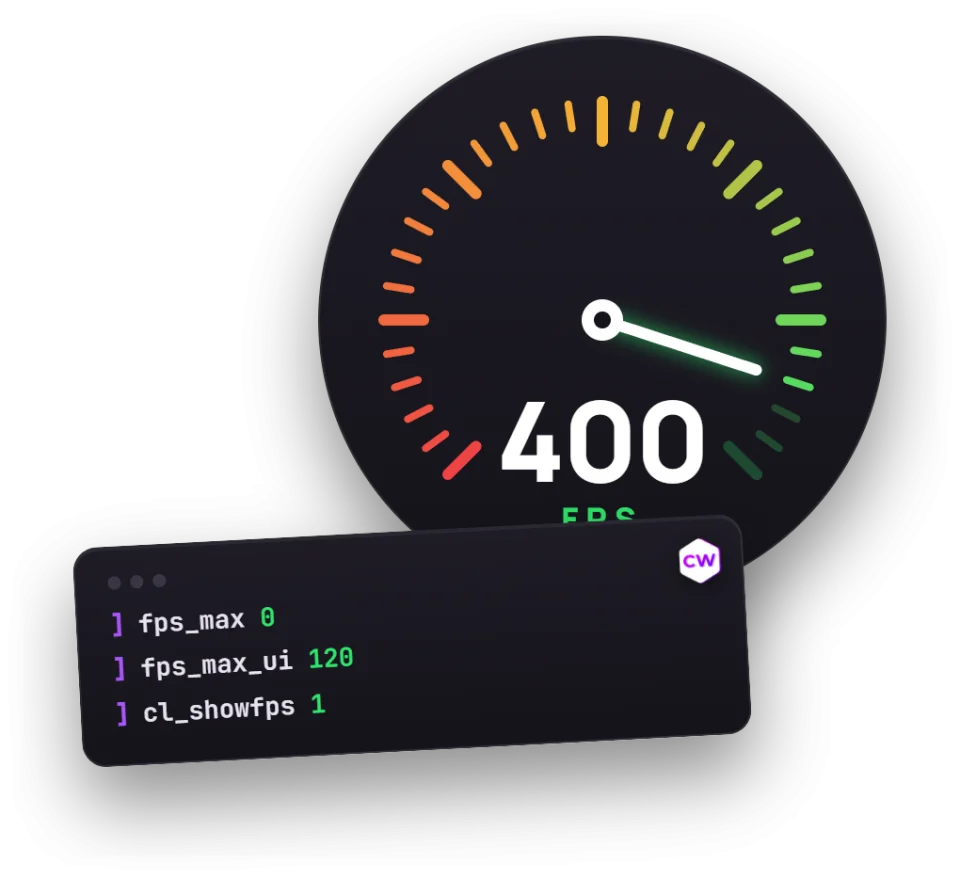
These settings can’t guarantee a specific FPS on your PC. Use commands to display your frame rate, then compare the results after each change.
How much space does CS2 take up?
Steam lists 85 GB of free disk space for CS2 on both Windows and Linux. That’s the required free space on your drive, not the size of each download. Check the free space on the drive where you plan to install the game.
Updates download on top of the installed game. We wouldn’t install CS2 on a drive with exactly the minimum amount of free space. Leave some room so you don’t have to clear space before the next update.
Is CS2 free, and does it support Russian?
CS2 is free to play, so you don’t need to buy it. Our guide to CS2 Prime Status explains what Prime offers and why it matters in ranked modes.
The interface is available in 29 languages, including Russian and Ukrainian. The voice-over remains in English regardless of your interface language.
FAQ
Can you play CS2 with 4 GB of RAM?
4 GB is below Steam’s 8 GB minimum. A PC with that much RAM doesn’t meet CS2’s minimum requirements.
How much disk space does CS2 need?
Steam’s system requirements call for 85 GB of free disk space. The requirement is the same for Windows and Linux.
Can you play CS2 on Mac?
CS2 doesn’t support macOS. Its supported platforms are Windows and Linux. The Mac requirements still listed on Steam apply to CS:GO.
What are CS2’s recommended system requirements?
Valve doesn’t list recommended requirements on the game’s Steam page. The minimum specs don’t guarantee a specific frame rate. They can help you check whether your PC is compatible with CS2.
What to do if CS2 runs poorly on a low-end PC
Open Settings, go to Video, then scroll down to Advanced Video. Check Player Contrast and Ambient Occlusion, as both can hurt performance. Try FSR and set High Dynamic Range to Performance. Change one setting at a time and compare the results.