
 Diagram
Max matchmaking ping150Enable Developer ConsoleYes
You enable the console once
- Game settings, Game tab: set Enable Developer Console to Yes.
- Press ~ — the key to the left of 1.
- Paste a command or a set and press Enter.
How to open the console, show FPS and get more frames — with ready-made command sets. Only what works in the game now: we check commands against its files every day.
Commands checked against the game files on October 13, 2026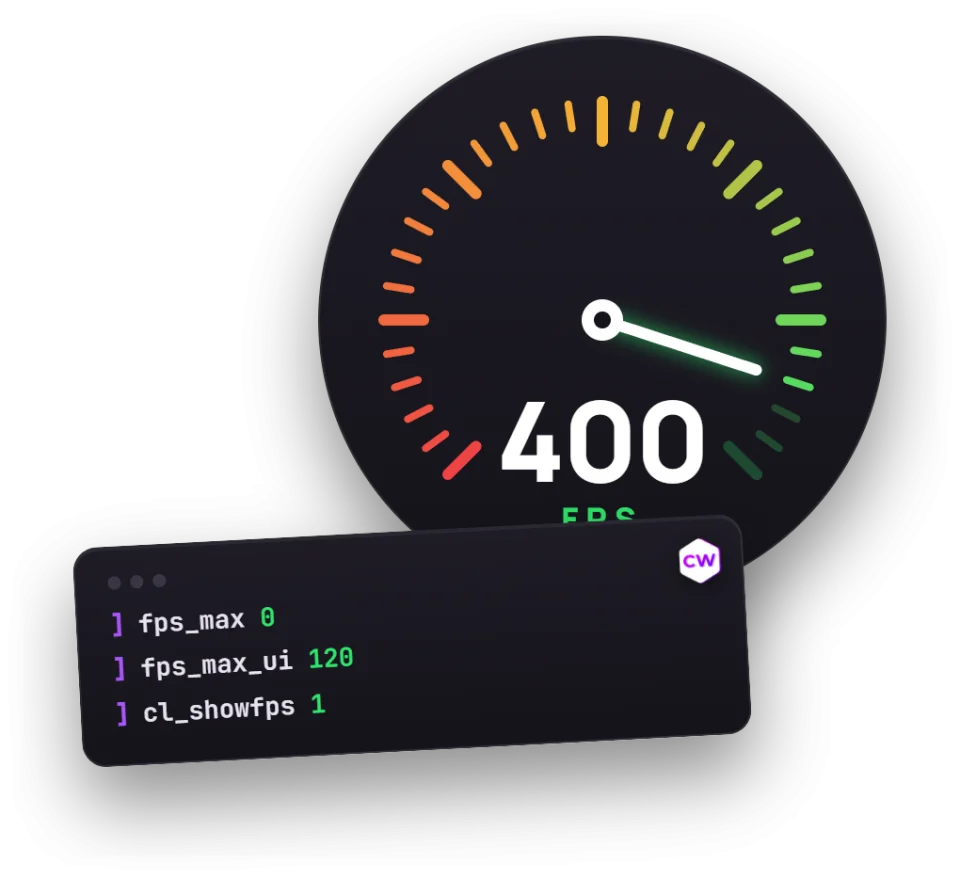 Diagram
An FPS counter and network stats on screen.
cl_showfps 1; cl_hud_telemetry_frametime_show 2; cl_hud_telemetry_ping_show 2; cl_hud_telemetry_net_misdelivery_show 2Uncapped FPS in matches, 120 in menus so your graphics card doesn’t heat up for nothing.
fps_max 0; fps_max_ui 1203 frames below the monitor refresh rate — no screen tearing. Only if sync is enabled in the driver.
fps_max 237No hints, tracers or avatars. Barely affects FPS.
cl_autohelp 0; cl_showloadout 0; r_drawtracers_firstperson 0; cl_hide_avatar_images 1Smooths out enemy stutter on an unstable connection. With a good connection set it back to 0.
cl_net_buffer_ticks 1 Diagram
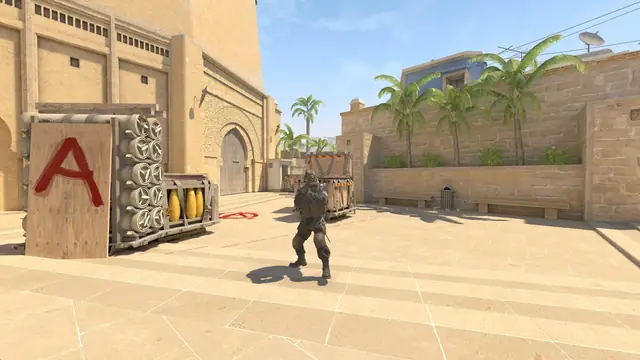 Diagram237 fps
cl_showfps 1 Diagram
cl_hud_telemetry_frametime_show 2| In-game setting | Low FPS | Competitive | Why |
|---|---|---|---|
| Boost Player Contrast | On | On | Players stand out from the map |
| Wait for Vertical Sync | Off | Off | Sync adds input lag |
| Multisampling Anti-Aliasing Mode | None | 2x MSAA | Anti-aliasing is heavy on the GPU; 4x only with plenty of spare FPS |
| Global Shadow Quality | Medium | High | Shadows give away enemies around corners — don’t go below medium |
| Dynamic Shadows | Sun Only | All | All shows player shadows, but lowers FPS |
| Model / Texture Detail | Low | Low | Barely affects what you see in a fight |
| Texture Filtering Mode | Bilinear | Bilinear | Anisotropic noticeably lowers FPS |
| Shader Detail | Low | Low | Fewer effects, more frames |
| Particle Detail | Low | Low | Less smoke and sparks on screen |
| Ambient Occlusion | Off | Off | Looks only |
| High Dynamic Range | Performance | Performance | Faster, the difference is barely visible |
| FidelityFX Super Resolution | Off | Off | Blurs the image and may add input lag |
| NVIDIA Reflex Low Latency | On | On | Lower input lag |
Settings, Video, Advanced. Change one at a time and watch the FPS counter: the gain differs between graphics cards.
| Monitor | FPS at least | Pros on this refresh rate |
|---|---|---|
| 60 Hz | 60 | — |
| 144 Hz | 144 | 1% |
| 165 Hz | 165 | — |
| 240 Hz | 240 | 20% |
| 360 Hz | 360 | 32% |
Stable FPS matters more than high FPS: drops in a firefight are more noticeable than the average. Watch frame time in the telemetry: the flatter the graph, the better.
Commands and default values come from the game files (GameTracking-CS2) and are checked every day.