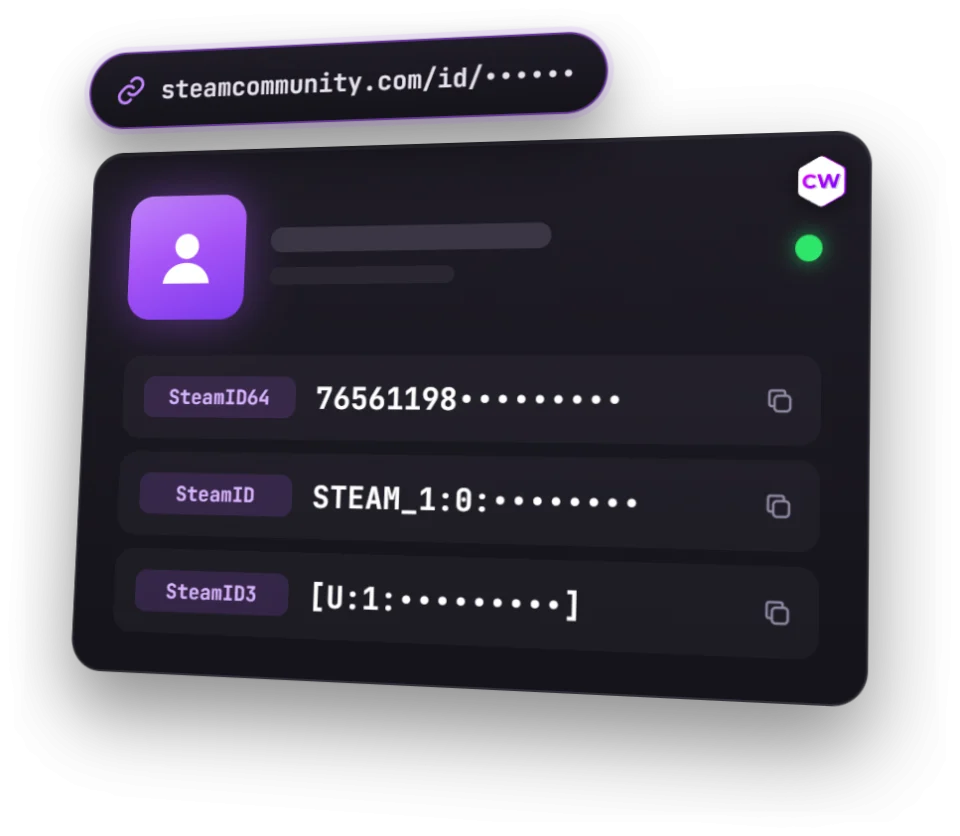
SteamID64, SteamID, SteamID3 and Account ID of any profile by link or custom URL, copied in one click. We’ll also show VAC bans, trade bans and the account creation date.
Steam ID FAQ
The number of a Steam account, which doesn’t change even if you change your name or profile URL. The same number is written in different ways: SteamID64 (17 digits, 7656…), SteamID (STEAM_0:1:…), SteamID3 ([U:1:…]) and Account ID — the short number without the technical prefix.
Open your Steam profile, copy its link and paste it into the field above. If the link has /profiles/ and 17 digits, that’s your SteamID64; if it has /id/ and a name, the tool will look up the number by that name.
Almost always SteamID64, the 17-digit number. A trade link is something else: you get it in Steam under Trade Offers, “Who can send me Trade Offers?”.
They are other ways of writing the same number, used by game servers and their plugins, server logs and community ban lists. Account ID is used, for example, in Dota 2 profile links and some stats services.
Yes: Steam shows the ID, name, avatar and bans even for a private profile. The account creation date is shown only for public ones.
A VAC ban is a Valve anti-cheat ban on the account; a trade ban blocks trading and the Steam Community Market. This is public Steam profile data. Steam doesn’t show FACEIT bans — you can see those in the FACEIT finder.