
CS2 DPI, sensitivity, and eDPI: how the settings are related
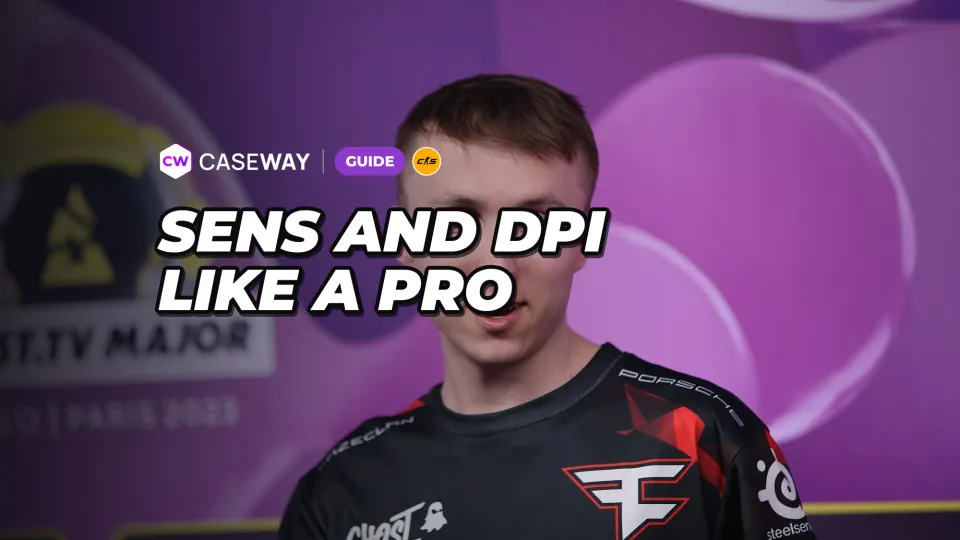
DPI is the mouse’s sensitivity setting, while sensitivity is the value set in the game. You can’t compare players based on sensitivity alone: it works in combination with DPI. So if you’re copying a pro’s settings, look at both values, not just the number in the CS2 settings menu.
CS2 has a separate Zoom Sensitivity Multiplier setting (zoom_sensitivity_ratio in the console). It changes your sensitivity only while scoped in, for example with the AWP. The default is 1. The eDPI and cm/360 measurements in this guide describe your unscoped sensitivity.
To compare settings, use eDPI = DPI × sensitivity. This gives you an overall sensitivity value that you can compare across different DPI settings. For example, ZywOo uses 400 DPI and a sensitivity of 2, while torzsi uses 800 DPI and a sensitivity of 1. Both have an eDPI of 800.
How to compare CS2 mouse sensitivity in centimeters
Another way to describe sensitivity is centimeters per full 360-degree turn. This shows how far you need to move the mouse to turn your character all the way around. It connects the number in your settings to the movement of your hand.
The CS2 formula is cm/360 = 360 / (0.022 × DPI × sensitivity) × 2.54. At an eDPI of 800, that’s about 52 cm. The higher the eDPI, the less distance it takes to complete a full turn; the lower the eDPI, the more distance it takes. Use the “Pros with your sensitivity” tool in the “Pro Players” section to calculate eDPI and cm/360.
Pro player DPI: how many use 400 and 800
The Caseway sample includes 143 players from current top-team rosters whose settings are known. A total of 96 players use 400 DPI, while 39 use 800 DPI. Other values are less common. This describes a specific sample, not a rule every player should follow.
| DPI | Number of players |
|---|---|
| 400 | 96 |
| 800 | 39 |
| 900 | 1 |
| 1000 | 1 |
| 1200 | 1 |
| 1600 | 5 |
eDPI median and distribution
The median eDPI in this sample is 800. The median is the midpoint of an ordered set of values, not a setting everyone should use. Half of the players have an eDPI between 708 and 1,000. The lowest value is 480 and the highest is 2,400.
| eDPI range | Number of players |
|---|---|
| Below 600 | 13 |
| 600–799 | 42 |
| 800–999 | 50 |
| 1,000–1,199 | 19 |
| 1,200 and above | 19 |
The largest group consists of players with an eDPI between 800 and 999. The sample also includes considerably lower and higher values: pro players don’t all use the same sensitivity. The distribution comes from Caseway’s pro player settings section, compiled using Liquipedia.
Settings for ZywOo, ropz, donk, and other players
The table lists the DPI, in-game sensitivity, and eDPI of eight players. If you want to match one player’s overall sensitivity, use the value in the last column. The sensitivity in the middle column will give you the same eDPI only at the DPI listed next to it.
| Player | DPI | Sensitivity | eDPI |
|---|---|---|---|
| ZywOo | 400 | 2 | 800 |
| ropz | 400 | 1.77 | 708 |
| apEX | 400 | 1.6 | 640 |
| flameZ | 400 | 3.6 | 1,440 |
| mezii | 800 | 0.85 | 680 |
| torzsi | 800 | 1 | 800 |
| xertioN | 400 | 2.2 | 880 |
| donk | 800 | 1.25 | 1,000 |
ZywOo and torzsi show why different in-game sensitivities don’t necessarily mean different overall sensitivity. apEX and flameZ are an example of the reverse: they use the same DPI, but their eDPI differs. Comparing just one column leaves part of the setup out of the picture.
What sensitivity should you use in CS2? How to start testing
If you don’t have a starting point, you could begin with an eDPI of 800, the median for this sample. The reason is simple: it’s the midpoint of the settings used by the pros in the sample. You’ll still need to test whether it feels comfortable rather than assuming it’s right because it’s common.
For an eDPI of 800, you can use either of the combinations listed above: 400 DPI with a sensitivity of 2, or 800 DPI with a sensitivity of 1. Both produce the same overall sensitivity in CS2. There’s no need to choose between them based only on how many pros use each DPI setting.
- Write down your current DPI and sensitivity so you have a point of comparison and can switch back if needed.
- Choose a target eDPI: the median of 800 or the value used by a player whose settings you want to try.
- Set the corresponding sensitivity and test it on a practice map. Check whether it feels comfortable to aim and turn.
- If it doesn’t feel right, adjust the sensitivity and repeat the same steps. For a fair comparison, keep the testing conditions consistent.
This is more useful than simply copying a number: it lets you test whether the setting suits your mouse movements. The range of 708 to 1,000, which covers half the sample, can serve as a point of comparison. It doesn’t define the limits of a good sensitivity.
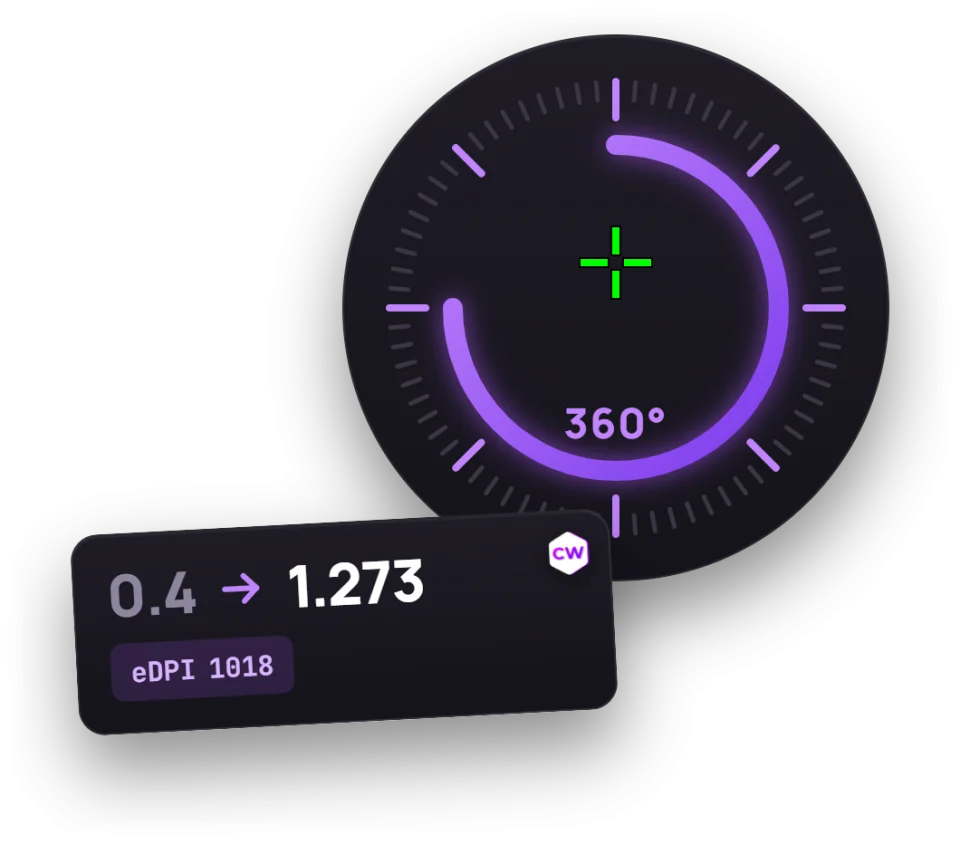
To skip the manual calculations, open the “Pros with your sensitivity” tool in the “Pro Players” section. Enter your DPI and sensitivity to see your eDPI, cm/360, and the top-team players with the closest eDPI.
The “Pros with your sensitivity” tool is also useful if you already have a setting you’re comfortable with. Check its eDPI, then compare it with pro players’ settings without changing anything in-game. A similar value means a similar overall sensitivity, not the same level of play.
How to keep your sensitivity when changing DPI
If you change your mouse DPI but want to keep the same overall sensitivity in CS2, keep your eDPI unchanged. First calculate your current eDPI, then choose an in-game sensitivity that matches your new DPI.
New sensitivity = old eDPI / new DPI. Check the result after making the change: your new DPI multiplied by your new sensitivity should match your old eDPI. That’s the value to preserve, not the sensitivity number in the menu.
Don’t copy a player’s sensitivity alone if your mouse uses a different DPI. Without adjusting for eDPI, your overall sensitivity won’t match theirs.
You can use the same approach to adapt a pro’s settings to your DPI: take their eDPI and divide it by your mouse DPI. This preserves their overall sensitivity without requiring you to copy both settings exactly.
Converting sensitivity from another game is a separate task. The formula above applies to changing DPI within CS2; it isn’t a formula for converting sensitivity between games. To find a setting in CS2, use your own DPI, sensitivity, and eDPI, then test the result on a practice map.
You can carry your sensitivity over from CS:GO without converting it: both games use the same rotation per unit of mouse movement (m_yaw 0.022). To convert from Valorant, multiply your sensitivity by 3.18 at the same DPI (the ratio of 0.07 to 0.022). For other games, take that game’s yaw per unit of mouse movement and multiply your sensitivity by yaw / 0.022. Test the result on a training map.
Frequently asked questions
What sensitivity do CS2 pros use?
There’s no single right value: you need to consider sensitivity together with DPI. In a sample of 143 players, the median eDPI is 800, and half the players fall between 708 and 1,000. For example, ZywOo uses a sensitivity of 2 at 400 DPI, while torzsi uses a sensitivity of 1 at 800 DPI. Both have an eDPI of 800.
Which is better: 400 or 800 DPI?
400 DPI is the most common setting in this sample, used by 96 players. Another 39 use 800 DPI. These figures alone don’t tell you which setting is better for you. Either DPI value can give you the same eDPI if you adjust your in-game sensitivity accordingly.
What is eDPI?
eDPI is the product of your mouse DPI and in-game sensitivity. It lets you compare players’ overall sensitivity even when they use different settings. In CS2, an eDPI of 800 takes about 52 cm of mouse movement for a full turn.
What sensitivity does donk use?
donk uses 800 DPI, a sensitivity of 1.25, and an eDPI of 1,000. If you use a different DPI, divide his eDPI of 1,000 by your DPI to match his overall sensitivity. Simply copying his sensitivity of 1.25 without accounting for DPI won’t guarantee the same result.