
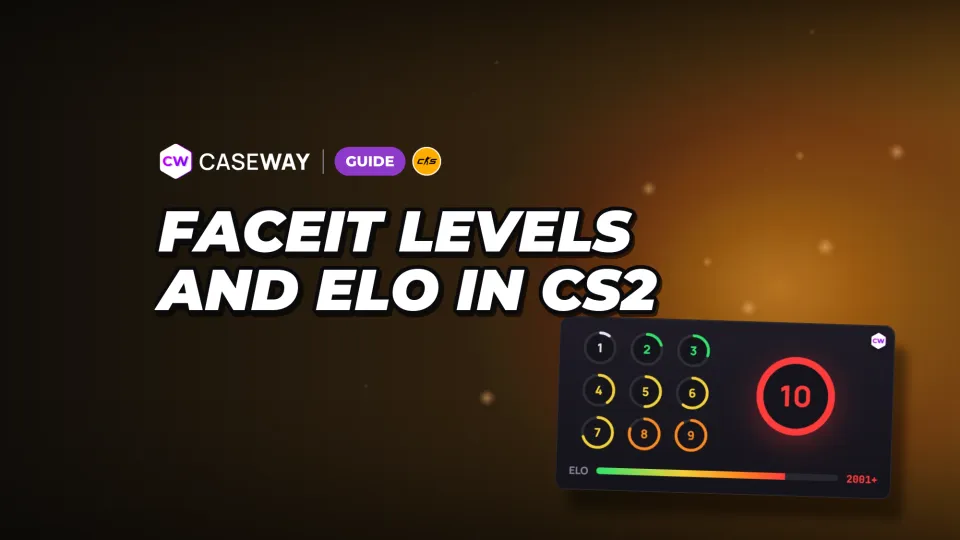
FACEIT ELO is a rating the platform uses to match you with players at a similar level, keeping games competitive. Your level shows which ELO range you're in: for example, 1,000 ELO is Level 4. Your rating changes after wins and losses.
- Level 10
- 2,001 ELO or more, no upper limit
- Standard starting rating
- 1,000 ELO, Level 4
- Premier transfer
- Requires Prime and the required number of wins
- Challenger
- The top 1,000 Level 10 players
- Per match
- The change depends on your team's chances of winning
FACEIT levels: ELO table
CS2 has 10 FACEIT levels. Levels 1–9 each have a minimum and maximum ELO, while Level 10 starts at 2,001 ELO and has no upper limit. You can find these thresholds in the FACEIT rating rules.
| Level | ELO from | ELO to |
|---|---|---|
| 1 | 100 | 500 |
| 2 | 501 | 750 |
| 3 | 751 | 900 |
| 4 | 901 | 1,050 |
| 5 | 1,051 | 1,200 |
| 6 | 1,201 | 1,350 |
| 7 | 1,351 | 1,530 |
| 8 | 1,531 | 1,750 |
| 9 | 1,751 | 2,000 |
| 10 | 2,001 | No limit |
To see how much ELO you need for FACEIT Level 10, check the cutoff between the last two rows. At 2,000 ELO, you're still Level 9. At 2,001, you reach Level 10. Your level stays at 10 as your ELO climbs.
Challenger is a status within Level 10
The top 1,000 Level 10 players earn Challenger status. It's a status, not another level with its own fixed ELO threshold. You'll see it on a player's profile and in the match room.
FACEIT starting ELO: Premier transfer or 1,000
New players don't always start with 1,000 ELO. If they have CS2 Prime Status and the required number of Premier wins, FACEIT uses its own formula to transfer their rating from the previous Premier season.
- Prime and the required number of Premier wins: your starting ELO is calculated from your rating in the previous season.
- No Premier rating or not enough wins: you start at 1,000 ELO.
The table puts 1,000 ELO in the 901–1,050 range, which corresponds to Level 4. That's the starting point for players without a qualifying Premier rating. If your rating is transferred, check your resulting ELO against the level thresholds.
How much ELO do you get per match?
Your ELO change depends on how likely FACEIT thinks your team is to win. Your rating changes after wins and losses, but FACEIT's rating article doesn't give exact ELO changes per match. Don't expect a fixed amount for every win.
Your level and your ELO change after a match answer different questions. Your level shows your current ELO range, while the change depends on how likely FACEIT thinks your team is to win a particular match. Your level alone isn't enough to predict how much ELO you'll gain or lose.
What the ELO widget shows
The widget changes based on your level and Challenger status. At Levels 1–9, it shows how far you are from the next level. At Level 10 without Challenger status, it shows your leaderboard rankings instead.
| Level or status | What the widget shows |
|---|---|
| Levels 1–9 | Current level, ELO, and progress to the next level |
| Level 10 without Challenger | ELO and country and regional rankings |
| Challenger | The top player's ELO and your gap to them |
For Challenger players, the leaderboard leader is the benchmark. The widget shows their ELO and how far behind them you are. Advanced stat charts are available with a Premium or FACEIT Plus subscription.
How to check your ELO and level using a Steam profile
On Caseway, you can find a FACEIT account using a Steam profile. FACEIT links accounts to Steam, so you can search with a Steam profile link or SteamID64. If there's no FACEIT account, the tool will let you know.
- Copy your Steam profile link or SteamID64.
- Paste it into the FACEIT tool on Caseway.
- Check your CS2 level and ELO, then review your recent match stats.
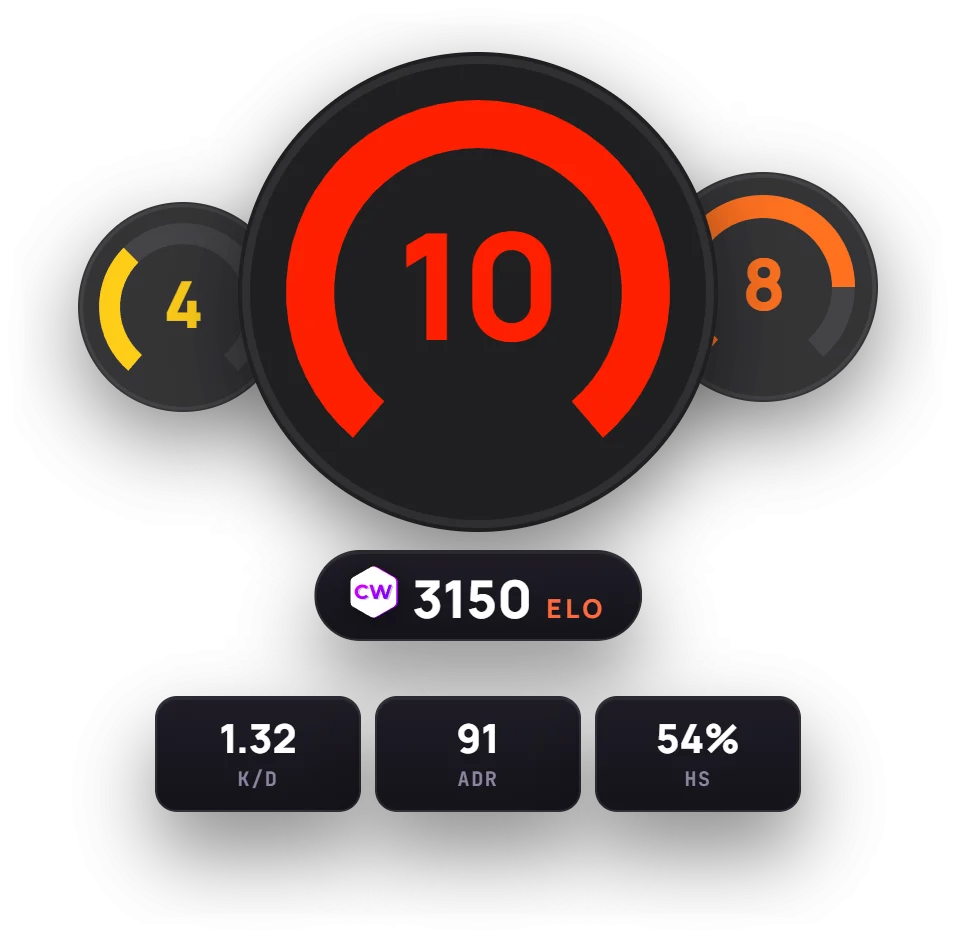
If you specifically need your numeric ID, follow our guide on where to find your Steam ID. For a regular search, you can use your profile link; you don't need to look up your SteamID64 separately.
Recent form and matches against pro players
The Form section shows your win rate, K/D, ADR, and headshots across recent CS2 matches, alongside your all-time stats. You can view your last 20 matches, latest session, or the past 7 or 30 days. Each match also has a breakdown showing both teams.
We'd start by comparing your recent form with your all-time stats to see how the selected period stacks up against your overall performance. The FACEIT pro player match finder checks your entire match history.
Don't confuse your CS2 level with your old CS:GO level. FACEIT tracks ELO separately for each game, so accounts that played before CS2 came out may show both.
FACEIT and Premier: how the ratings are connected
Your Premier rating can be used to calculate your starting ELO on FACEIT, but FACEIT adjusts it with its own formula. To transfer your rating, you need Prime and the required number of wins. Your Premier rating doesn't translate directly to FACEIT ELO.
After you start playing, your ELO changes based on your FACEIT match results and your team's chances of winning. Use the FACEIT table to check your level, and see CS2 ranks for the game's own rating system. The two scales don't have a direct numerical match.
Frequently asked questions
How much ELO do you need for FACEIT Level 10?
You need at least 2,001 ELO for Level 10. At 2,000 ELO, you're still Level 9. Level 10 has no upper ELO limit.
How much ELO do you start with on FACEIT?
Without a Premier rating or enough wins, you start at 1,000 ELO, which puts you at Level 4. If you have Prime and the required number of wins, FACEIT transfers your rating from the previous Premier season using its own formula.
What is Challenger on FACEIT?
Challenger is a status for the top 1,000 Level 10 players. It appears on your profile and in the match room. It isn't a separate Level 11.
How much ELO do you get for a FACEIT win?
The amount you gain depends on how likely FACEIT thinks your team is to win. FACEIT's rating article doesn't list exact ELO changes per match. You can't work out the change from your current level alone.
How to check FACEIT ELO using Steam
Enter a Steam profile link or SteamID64 in the FACEIT search on Caseway. The tool will find the linked account and show its CS2 level, ELO, and form. If there's no FACEIT account, you'll see a result saying so.