

A Tool Cupboard in Rust creates a building privilege zone around connected foundations and uses resources to maintain your base. Placing one isn't enough: you need to authorize and add the resources your base is made from. Then keep an eye on the upkeep timer in the cupboard window.
- Authorization
- Press E at the Tool Cupboard and check for building privilege.
- Upkeep
- The Tool Cupboard uses some of the resources your base is made from.
- Tax
- The first 4 players on a base add no tax.
- Out of resources
- Structures start to decay.
- Server mode
- Softcore and Hardcore have separate rules.
What the Tool Cupboard Does in Rust
A Tool Cupboard sets a building privilege zone around connected foundations. Authorized players can build and upgrade structures in this zone. Players without authorization can't build there.
How to Place and Authorize at a Tool Cupboard
- Place the Tool CupboardPlace the Tool Cupboard in your base. Its building privilege zone extends from the foundations connected to it.
- AuthorizeWalk up to it and press E. A building privilege message will appear on screen when you're in its zone.
- Add resourcesAdd the resources your base is made from, then check the upkeep timer in the Tool Cupboard window.
Authorization and upkeep do different things. Authorization lets you build; upkeep protects your structures from decay. You can have access to a base while leaving its Tool Cupboard empty, but then the structures will start to decay.
Base Upkeep in Rust: What to Store and Where to Check Your Costs
The Tool Cupboard uses some of the resources your base is made from. Check the cupboard window for the required amount and upkeep timer. There's no set amount that works for every base: upkeep depends on your structures, and the extra tax depends on the number of players.
| Structure | Upkeep Rate |
|---|---|
| Building blocks | 10% to 33% |
| High External Walls | Flat 20% |
For building blocks, the upkeep rate depends on the size of the base, ranging from 10% to 33% of a block’s cost per day. The Tool Cupboard shows the upkeep for 24 hours. High External Walls have had a fixed upkeep cost of 20% of their value since the Power Trip update on August 6, 2026. Facepunch added the rate to stop players from using walls to claim large areas of the map and to make old raid defenses decay.

After building or upgrading your base, open the Tool Cupboard again and check the upkeep timer. Make sure you have enough resources for your current base, not the amount you needed before expanding.
Upkeep Tax in Rust: Who Counts as a Base Player?
Since September 3, 2026, Tool Cupboards have charged extra upkeep tax based on the number of players on a base. The first 4 players don't increase upkeep. After that, the tax rises in tiers. Access to code locks counts, not just Tool Cupboard authorization.
Tool Cupboard Authorization and Code Lock Access
- Players authorized at the Tool Cupboard count.
- Players removed from the Tool Cupboard in the past 24 hours still count.
- Authorized players on the base's code locks count, including guest access, but only if the lock has more than 2 users.
- Players removed from code locks in the past 24 hours still count.
Removing a player from the Tool Cupboard won't lower your tax right away. Their previous access still counts for 24 hours. The authorization list alone doesn't tell you the full count, since access to code locks is included too.
Tax Tiers and Group Examples
| Base Players | Extra Tax |
|---|---|
| First 4 players | No tax |
| Next 6 players | 2% per player |
| Every player after that | 4% per player |
Per the server code, upkeep with tax won't rise more than threefold. In Facepunch's examples, a group of 6 players gets a 4% upkeep increase, and a group of 12 gets 20%. These examples apply to the rules from Breach and Clear.
| Group Size | Upkeep Increase |
|---|---|
| 6 players | 4% |
| 12 players | 20% |
To see your current tax, open the Tool Cupboard and hover over the upkeep cost. Server owners can change the tax or turn it off, so check the value in the cupboard window on your server.
Decay in Rust: What Happens When You Run Out of Resources
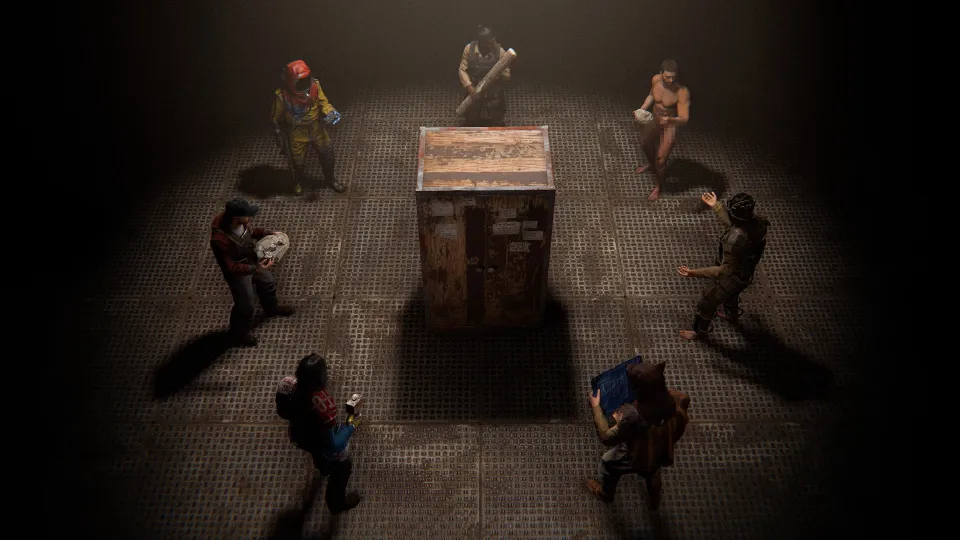
Each building grade uses its own resource for upkeep: Twig and Wood use Wood, Stone uses Stone, Metal uses Metal Fragments, and Armored uses High Quality Metal. When a resource runs out, parts of the base made from that material start to decay. The time it takes for them to decay completely depends on the material. A Stone base won’t disappear at the same rate as a Wood one.
Full decay times on the server are as follows. On modded servers they may differ, so check your resource stock against the upkeep time in the cupboard.
| Material | Full decay |
|---|---|
| Twig | 1 hour |
| Wood | 3 hours |
| Stone | 5 hours |
| Metal | 8 hours |
| Armored building blocks | 12 hours |
The time to complete decay doesn't mean your base stays intact until then. Structures start decaying as soon as upkeep resources run out.
How the Tool Cupboard Works in Softcore and Hardcore
In Softcore, the Tool Cupboard protects structures outside the raid window. In Hardcore, bases cost more to maintain. If you're returning after a break, check the server's mode first: changes in 2025 and 2026 affected these rules.
In Softcore, door upkeep is higher following the Soft Refresh update (April 2025). It can reach around 90% for a large base, compared with 30% in the standard mode. Upkeep rates for building blocks haven’t changed.
Softcore and Hardcore rules apply to their respective modes. Don't assume they apply to every Rust server.
Softcore: Raid Windows and Tool Cupboard Age
Since the July 2026 Common Ground update, Softcore's raid window runs from 18:00 to 21:00 server local time by default. Outside that window, you can't destroy building blocks or doors in a Tool Cupboard's zone, including walls, floors, roofs, and hatches.
Only a Tool Cupboard that's been placed for more than 1 hour provides protection. Items and an unprotected cupboard can still be attacked, so the building damage restriction doesn't make everything inside your base invulnerable.
Softcore: cupboard limit and debris
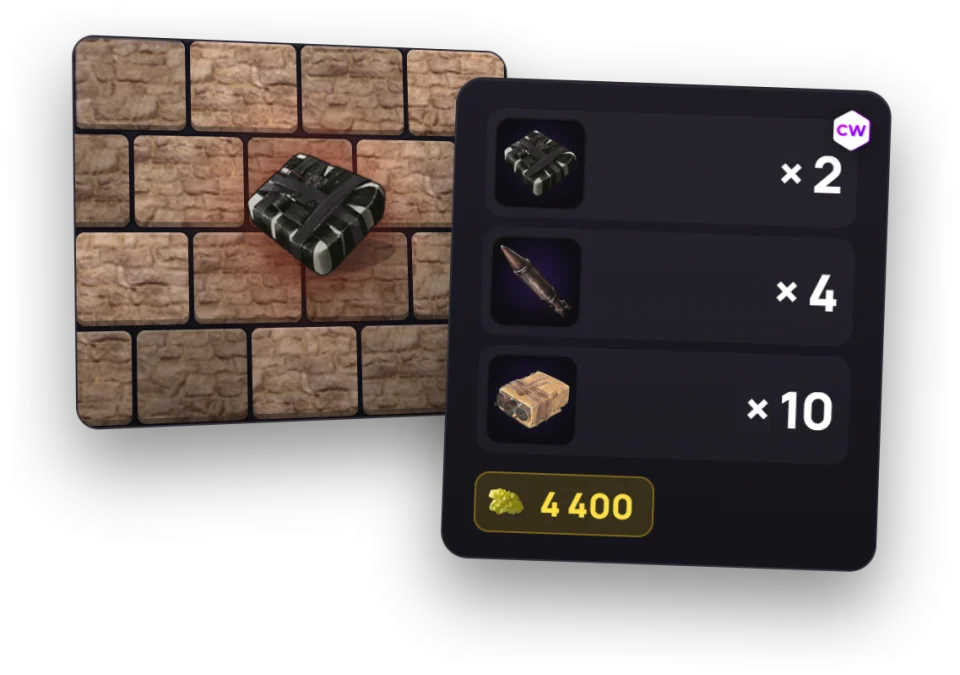
Starting November 5, 2026, a player can place no more than 6 cupboards in Softcore. At the same time, Facepunch removed debris: before, a destroyed cupboard kept its building rights in its zone for another 48 hours. Facepunch says it's removing debris temporarily, so it could come back.
Hardcore: Double Upkeep
Since August 2025, upkeep costs have been doubled in Hardcore. Facepunch added the rule to encourage smaller bases and reduce the number of huge compounds on the map. Check your resource supply in the Tool Cupboard on the server you play on.
Tools, Shelters, and External Tool Cupboards
Since October 2023, the Tool Cupboard shows resources and tools on the same screen. The update also added another tool slot, so you no longer need to switch between separate screens to check what's inside.
Legacy Shelters and Building Privilege
A Legacy Shelter provides a small building privilege zone. If it's inside a Tool Cupboard's zone, the cupboard supplies its upkeep resources. This mechanic was added in December 2023.
Check for the building privilege message in the zone around an external Tool Cupboard too. High External Walls have a flat 20% upkeep cost, so having them around your base adds to your resource use.
Sleeping Bags and Door Controllers
- Since February 2025, any player with building privilege can pick up sleeping bags in a Tool Cupboard's zone.
- Since May 2024, Door Controllers unlink when the Tool Cupboard is destroyed.
Upkeep is calculated until the wipe: find out when servers reset maps in our guide on when Rust wipes. What else to place in your base besides the tool cupboard is covered in our guide on workbench upgrades, and all recent changes are in our Rust year in review.
Frequently Asked Questions
How Do You Authorize at a Tool Cupboard in Rust?
The player who placed the Tool Cupboard is authorized automatically. Everyone else needs to walk up to it and press E. To revoke your own authorization, hold E and select the option. You can also clear the entire list. The cupboard costs 1,000 Wood to craft, and you don’t need a Workbench. The Building Privilege notification appears on screen when you’re in range. Once authorized, you can build and upgrade structures in the area.
How Many Resources Should You Put in the Tool Cupboard?
Check the upkeep cost and remaining time in the Tool Cupboard window. You'll need the resources your base is made from. Upkeep depends on your structures, player tax, and server mode.
What Happens When the Tool Cupboard Runs Out of Resources?
Structures will start to decay and break down over time. How long they take to disappear completely depends on the material. Facepunch's wiki, which hasn't been updated in a long time, lists a range from 1 hour for twig to 12 hours for armored building blocks.
How Does Upkeep Tax Work in Rust?
The first 4 players on a base add no tax. The next 6 add 2% each, and every player after that adds 4%. The count includes players authorized at the Tool Cupboard, players with access to code locks (including guest access), and anyone removed from either in the past 24 hours. Tax is capped at 300%. Hover over the upkeep cost to see the current rate. Server owners can change or disable the tax.