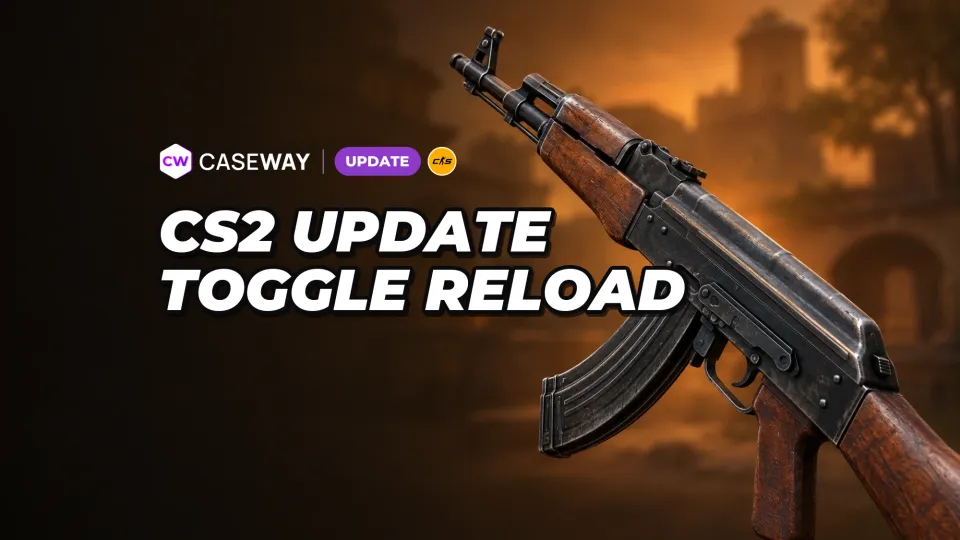
Silent Reload Mode now has two options: Hold and Toggle. Hold requires you to keep the button pressed. With Toggle, just start a silent reload and take your finger off the key.
With Toggle enabled, you can release the reload key once silent reload starts. To cancel it and switch back to a fast reload, press the reload key again.
The cancel option is more useful than it sounds. You’re reloading silently on an angle, hear footsteps nearby, and switch to a fast reload with one press.
We’d recommend trying Toggle if you often rely on staying quiet. Holding reload while moving and watching an angle is awkward, and having one more key tied up never helps in a clutch.
Valve also fixed cases where the first reload sound played even when a player had requested a silent reload. Before, opponents could hear the reload start even if you did everything right.
Black water on AMD and sound issues when rewinding demos
Water could sometimes appear black on AMD graphics cards. That bug is now fixed. The update also fixes some sound and interface bugs that showed up when rewinding demos.
 Updates
 NewsRead