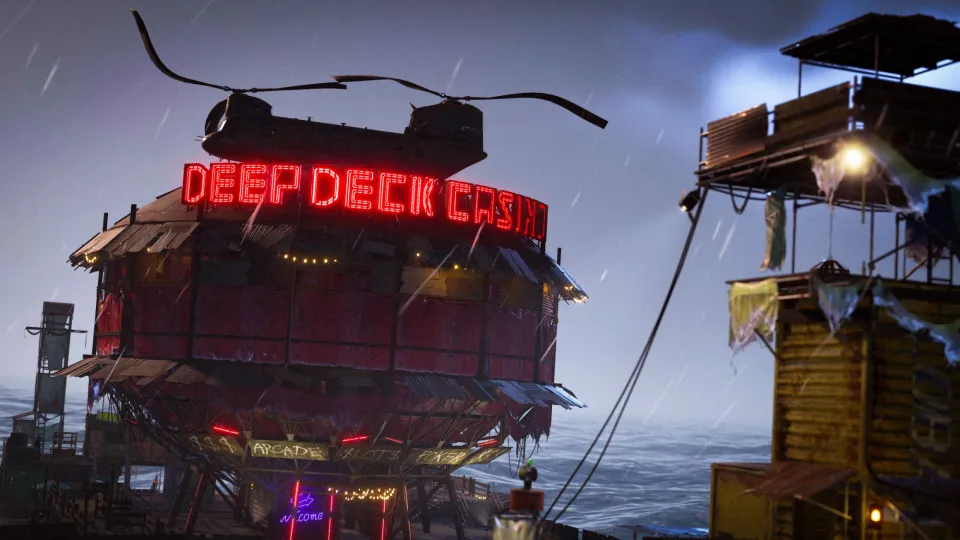
In Facepunch's tests on test servers, median FPS for players rose by about 10%, and the game uses about 1.6 GB less memory overall. The developers also tackled the worst stutters separately. These are shooting, base loading, and the time when a Cargo Ship is on the map.
- Update
- Printed and Polished
- Release date
- November 5, 2026
- Median FPS
- about 10% higher
- Memory
- about 1.6 GB less in total
- Garbage collection
- every 12 minutes instead of 6
- Network traffic
- up to 25% less on a 500-player server
Blueprints instead of scrap, UZI 9mm, cows without old age and the rest of the patch content are covered in the Facepunch announcement. Here we only cover performance: an overall summary and seven sections where the developers showed what was costing the game frames.
We know that Rust's performance isn't where it should be yet.
Flavien calls optimization endless work. Improvements arrive with every update, but sometimes new content eats what was just done. He describes November as a month packed with CPU, memory and network optimizations, and promises more in the coming months.
Tool Cupboards no longer slow down megabases
Every time you place a block, place an item, or simply walk around a base, the game figures out which Tool Cupboard controls that spot. Before, it ran a physics query that searched all nearby building blocks and used them to find the nearest building privilege. The bigger the base, the longer the check took. In a large base, a single check took up to 5 ms, and the cache that already existed in the game was still expensive for both server and client.
Now the game keeps a grid of building blocks in memory and checks against it without physics. In the same large base, the check dropped from 5.7 ms to under 0.02 ms on both server and client. The result of the check is exactly the same as before, so building rules haven't changed.
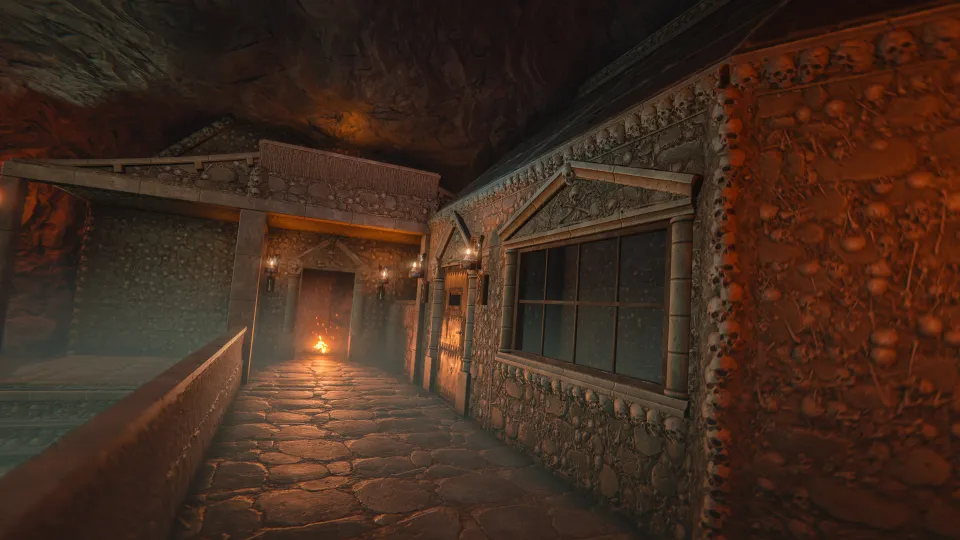
Why the first shots after joining a server no longer jerk the picture
Shooting caused small stutters, especially the first time after connecting to a server. Flavien found several causes at once.
- Audio cutoff: removed the 1 ms freeze that happened when a sound was cut off, which happens constantly during shooting
- Muzzle flash: no longer triggers a slow engine check that took up to 7 ms
- Effect culling distance: revised
- Weapon effects: muzzle flashes, gunshot sounds, bullet impacts and the rest are now pre-warmed in sufficient numbers
The extra effect warm-up didn't add any memory. Before, the game kept 100 ready copies of every throwable weapon and tool. Now it keeps 3. Even with the extra gunfire effects, that's about 30 MB saved.
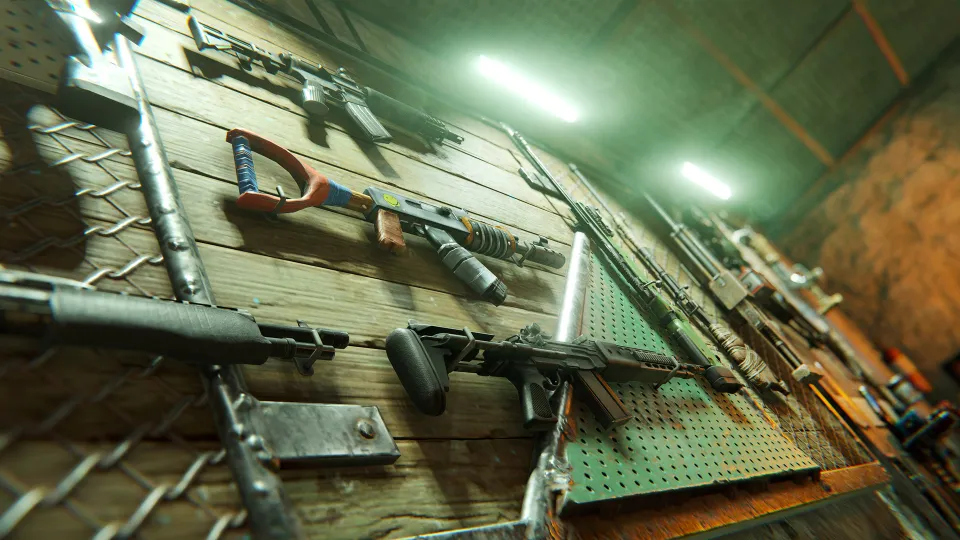
What got faster when loading someone else's base
When you approach a large base and enter its network zone, thousands of entities appear on the client at once. Each placed item runs its own code, industrial pipes rebuild, and the LOD and batching systems run at full load. That's the sudden jolt of the picture next to someone else's wall.
- Switch entities: anything that turns something on or off based on its state now appears 10 times faster, with 248 of these objects taking about 2 ms instead of 26
- Industrial pipes: their network is built off the main thread
- Object pool: the most-used placeable items (storage adaptors, conveyors, windmills and others) are taken from a pool
- LOD: when the dense part of a base updates, the work is spread across several frames, and the worst frames dropped from about 15 ms to 1 ms
- Code Locks, storage adaptors and other attached entities: they count as static while not moving. Before, the game treated everything attached to a parent as moving
- About a dozen LOD and culling bugs: fixed, for example, lights and particles no longer stay visible from any distance after a base loads
- Building blocks: they no longer get stuck without batching, which made rendering them more expensive
According to Flavien, loading and moving around bases will get a bit faster and, more importantly, smoother. 1% lows will go up, and lag spikes will be less frequent. Facepunch is also working on base occlusion, where a base's contents don't load until you can see them. The current fixes are still needed with it, because occlusion only delays the moment when everything loads.
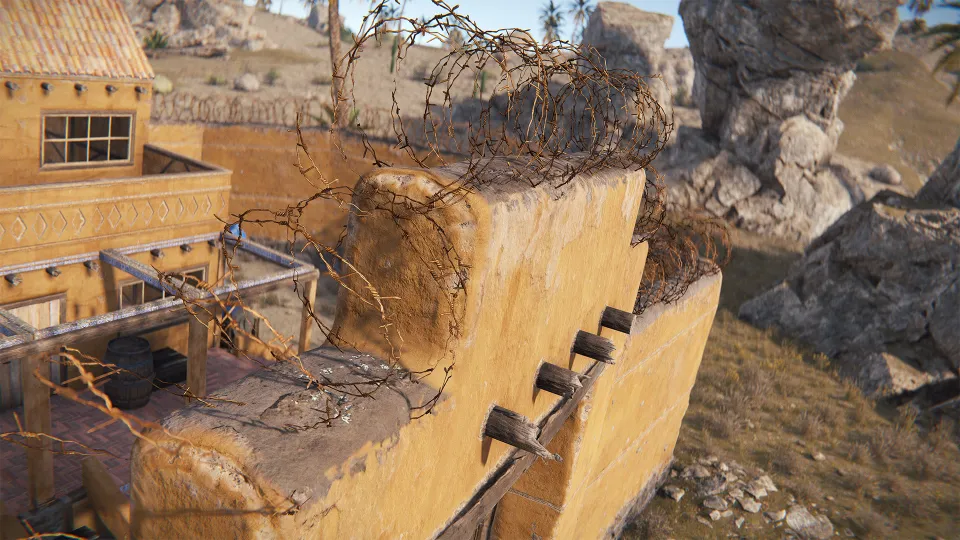
We'd judge the patch not by average FPS, but by how the game behaves when you approach a neighbor's megabase before a raid.
The garbage collector now runs half as often
Everything the game puts on the heap during play gets cleared later by the garbage collector, and each cleanup can cause lag. Now it happens about once every 12 minutes instead of every 6. cipeaX went through the code looking for places where memory was allocated for no reason and rewrote them with an object pool or, as he puts it, with 'slightly smarter and sometimes less pretty code.'
Almost all of the findings were in old systems. The interface updated text every frame while you were looking at plants. Inventory icons updated even when hidden, and Sleeping Bag markers on the map reformatted their timers over and over. Each fix saves very little, but a dozen of them add up, so the garbage collector runs less often and there are fewer lag spikes.
Sound system
Along with sound compression, the developers cut the overhead of the sound system itself. Some of the fixes overlap with shooting.
- Audio cutoff: the same freeze, down to 1 ms, as with shooting is removed
- Occlusion: muffling sounds behind walls outside a base is now more than 10 times cheaper
- Memory allocation: sounds almost don't allocate memory when played, so the garbage collector has less work
Deep Sea and landscape textures no longer sit in memory for nothing
Before the patch, all Deep Sea content loaded when you connected to a server and stayed in memory for the whole session, even if you never went there. Now it loads only when you pass through the portal, and unloads when you come back. On the main island, that saves about 260 MB of RAM.
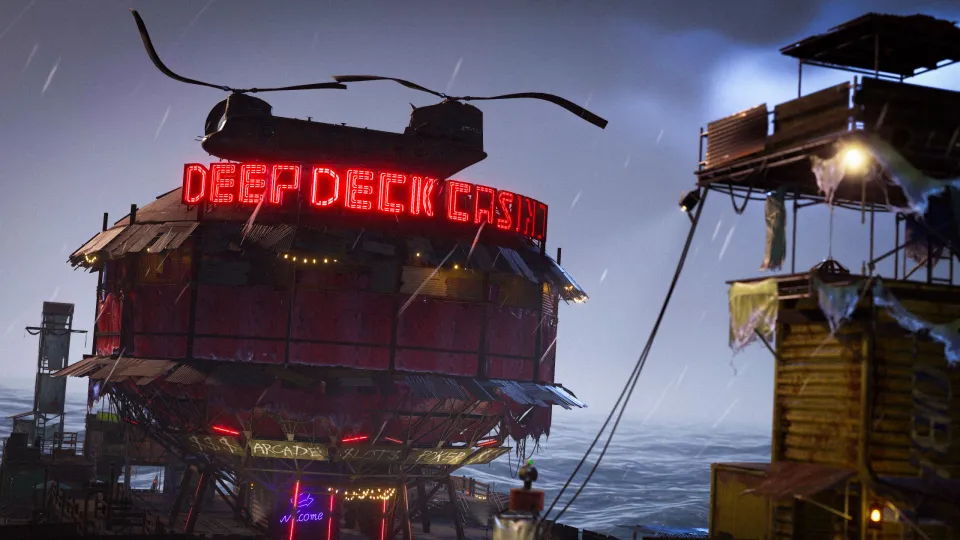
Modded servers that move Deep Sea content onto the main island will keep working. The game will load it as soon as it's needed and keep it until the session ends.
Landscape textures
While digging through memory, Jarryd Campi found several quality levels of landscape textures loaded at the same time for the main island, and the same number for Deep Sea. Facepunch usually doesn't unload assets during play, since reloading them causes stutters mid-game. The trip to Deep Sea already goes through a loading screen, so unloading there doesn't bother anyone.
Now only the current quality level for the terrain you're standing on stays in memory. At maximum quality, that saves 138 MB, and lower settings should save even more.
Facepunch's measurements before and after the patch
| What was measured | Before | After |
|---|---|---|
| Building privilege check in a large base | 5.7 ms | under 0.02 ms |
| Spawning 248 switch entities | about 26 ms | about 2 ms |
| Worst LOD frames in the dense part of a base | about 15 ms | about 1 ms |
| Slow engine check from a muzzle flash | up to 7 ms | fixed |
| Ready copies of throwable weapons and tools | 100 | 3 |
| Garbage collection | every 6 minutes | every 12 minutes |
| Deep Sea in memory on the main island | about 260 MB | unloaded |
| Landscape textures at maximum quality | all levels at once | 138 MB less |
- Garbage Collector (GC)
- the mechanism that frees unneeded memory. While it runs, the game can stutter
- Object Pool
- a supply of pre-made objects that the game takes and returns instead of creating new ones
- LOD
- simplified models for distant objects, so everything isn't drawn at full detail
- 1% lows
- FPS in the slowest 1% of frames, which shows the stutters that average FPS hides
- Occlusion
- culling of what's hidden behind obstacles: for sound, muffling behind walls; for bases, not loading what can't be seen
 Guides
 GuideRead