What Battle-Scarred means and its Float range
Battle-Scarred (BS) is a wear level with a Float range of 0.45 to 1.00. That’s the category-wide range, not a range every skin can reach. Each finish has its own minimum and maximum Float, so two skins marked BS can look different.
- Float
- The number that determines a specific skin’s wear within its Float range.
- BS
- Short for Battle-Scarred, a wear level with a Float range of 0.45–1.00.
- FT
- Short for Field-Tested, a wear level with a Float range of 0.15–0.38.
For example, one skin might have a maximum Float of 0.55, while another goes up to 1.00. The first one’s entire BS range fits into a narrow band from 0.45 to 0.55. The second can have Float values near the start of the category as well as much more worn versions near the end. You can’t compare them by the Battle-Scarred label alone.
In the Caseway Wiki, out of 1,451 weapon skins (excluding knives and gloves), 204 have an upper Float cap no higher than 0.45, so they don't drop in BS. For 886 skins, the upper cap sits between 0.45 and 1.00, giving them a shorter BS range. Only 361 skins reach a Float of 1.00.
How to read the price comparison
Our tables compare standard versions of each skin. Prices are in US dollars and update automatically. They show the median Steam sale price over the past 7 days. The price-gap picks are based on data from October 1, 2026. The median applies to the whole wear category, not to a specific Float. Sellers usually charge more for lower-Float skins within BS.
The best BS skins to compare with FT
If you want a BS skin in CS2 without heavy wear, start by checking finishes with a lower maximum Float. Their most worn versions don’t reach 1.00. But a limited range doesn’t guarantee they’ll look like FT, so inspect the specific skin before you buy.
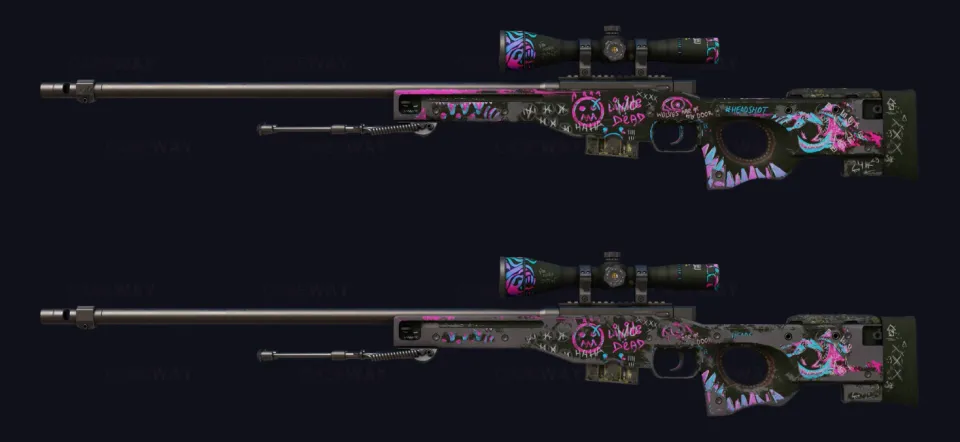
AWP | Fever Dream has a maximum Float of 0.55, so its BS range is limited to 0.45–0.55. The inspection screenshots below show Fever Dream at Float 0.30 and 0.55, and the difference is hard to spot. But that’s specific to this skin, not a rule for every skin with a low maximum Float.
M4A1-S | Vaporwave and Desert Eagle | Mecha Industries have a maximum Float of 0.60, while AWP | Mortis tops out at 0.64. None of them reach the maximum Float for the category. The table shows BS and FT prices side by side, making it easier to separate looks from savings.
| Skin | Float range | BS price | FT price |
|---|---|---|---|
 AWP | Fever Dream | 0.00–0.55 | $12 | $13 |
 M4A1-S | Vaporwave | 0.00–0.60 | $39 | $49 |
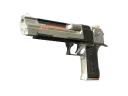 Desert Eagle | Mecha Industries | 0.00–0.60 | $5.30 | $5.49 |
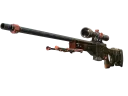 AWP | Mortis | 0.00–0.64 | $3.74 | $3.68 |
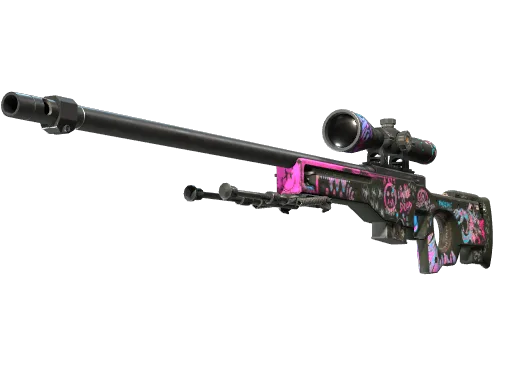
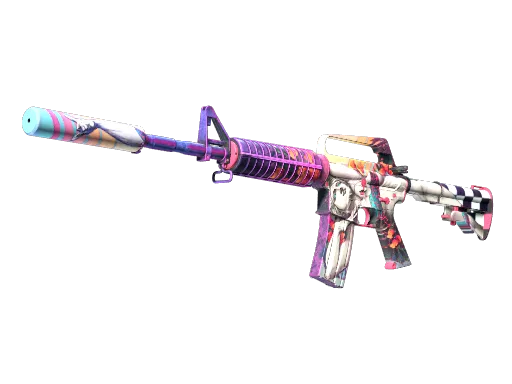
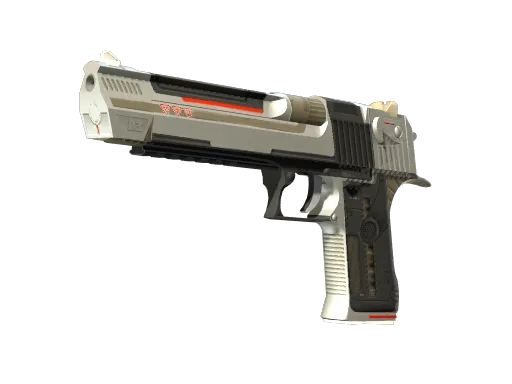
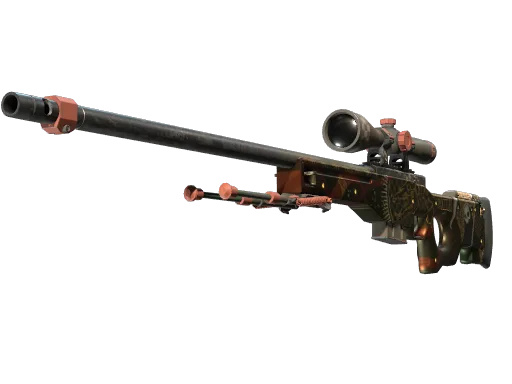
We think AWP | Fever Dream is a clear example of why you shouldn’t dismiss BS based on the label alone. But if you like the look of both wear levels equally, check the price before deciding. A narrow Float range doesn’t mean there’ll be a big price difference.
Where BS costs much less than FT
The price gap between BS and FT is more noticeable for these skins. Each one made our list because BS costs at least 25% less. That’s a reason to inspect the more worn version, not to assume it’ll suit you. For skins that go up to 1.00, it’s especially useful to compare several Float values.
| Skin | Float range | BS price | FT price | BS sales in the past week |
|---|---|---|---|---|
 AWP | Green Energy | 0.00–0.75 | $2.92 | $6.44 | 616 |
 AK-47 | Nouveau Rouge | 0.00–1.00 | $5.21 | $7.94 | 871 |
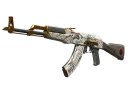 AK-47 | Crane Flight | 0.00–1.00 | $9.25 | $14 | 904 |
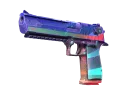 Desert Eagle | Starcade | 0.00–0.75 | $27 | $34 | 21 |
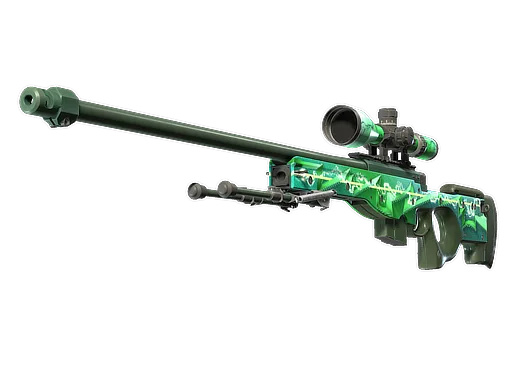
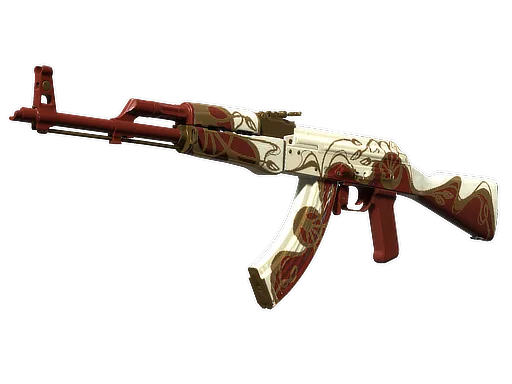
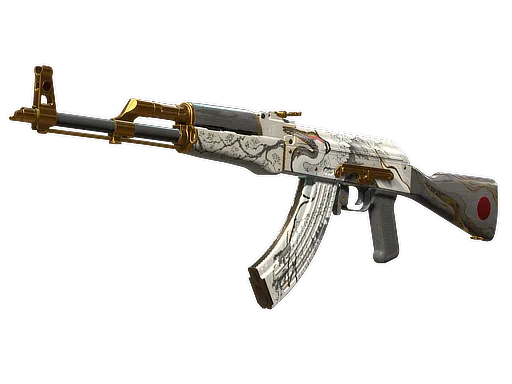
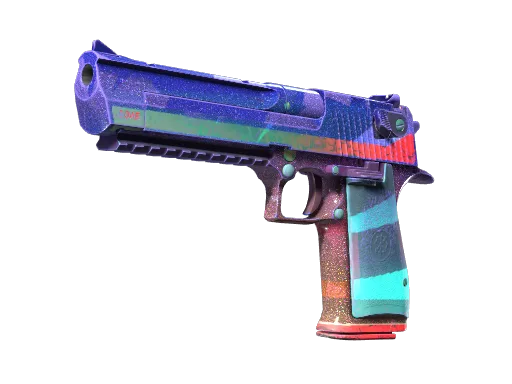
AWP | Green Energy and Desert Eagle | Starcade have a maximum Float of 0.75. AK-47 | Nouveau Rouge and AK-47 | Crane Flight go up to 1.00, so their BS range covers more ground. That doesn’t tell you which pattern you’ll prefer, but it shows why one random screenshot can’t represent the whole category.
The sales count in the table covers all BS skins. It doesn’t show how many had a Float near 0.45 or near the category’s maximum. Inspect the skin to check how it looks, and compare prices using the specific listing you’re considering.
Where BS barely saves you anything
These skins have similar BS and FT prices, with a gap of less than 5% in our picks. We’d lean toward FT if you want a less worn version without paying much more. Still, it’s worth inspecting the skin: a single wear category can include skins that look different.
| Skin | Float range | BS price | FT price |
|---|---|---|---|
 AK-47 | Ice Coaled | 0.00–0.77 | $4.41 | $4.85 |
 AK-47 | Nightwish | 0.00–1.00 | $63 | $66 |
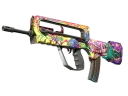 FAMAS | Bad Trip | 0.00–1.00 | $45 | $47 |
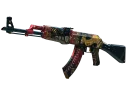 AK-47 | The Empress | 0.00–1.00 | $104 | $109 |
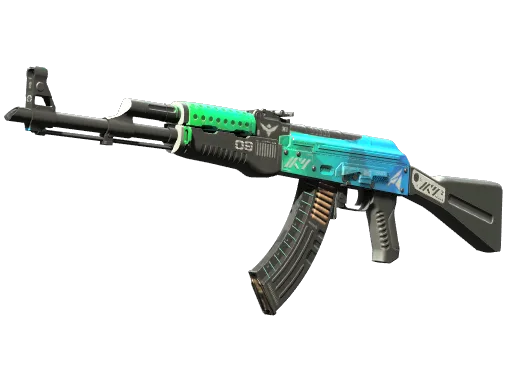
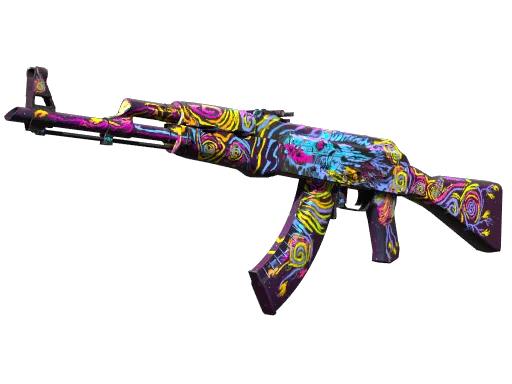
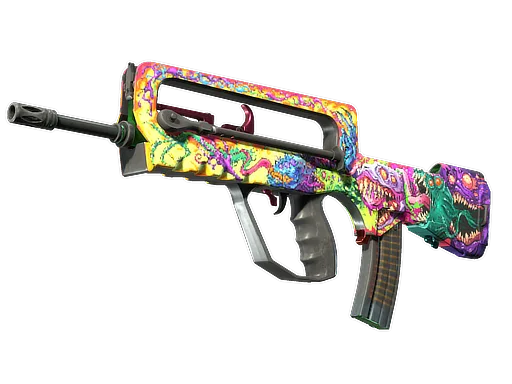
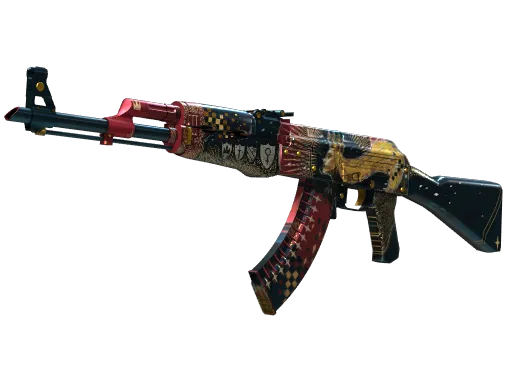
It’s easy to spend time hunting for a low-Float BS skin without comparing it to FT. If sellers charge extra for a cleaner BS version, use that listing’s price as your reference, not the category median. Otherwise, the savings you expect might not match the prices you actually see.
How to choose a skin within the BS range
For Battle-Scarred CS2 skins, the Float value within the tier matters. If a skin allows the full range, both 0.45 and 1.00 are labeled Battle-Scarred, but the first one looks noticeably cleaner. On Steam, they share the same wear name and median price.
AK-47 | Nouveau Rouge can have either a 0.45 or a 1.00 Float. Both are BS, but the 0.45 version looks noticeably cleaner. Compare them in the inspection view: the wear label won’t show you the difference.
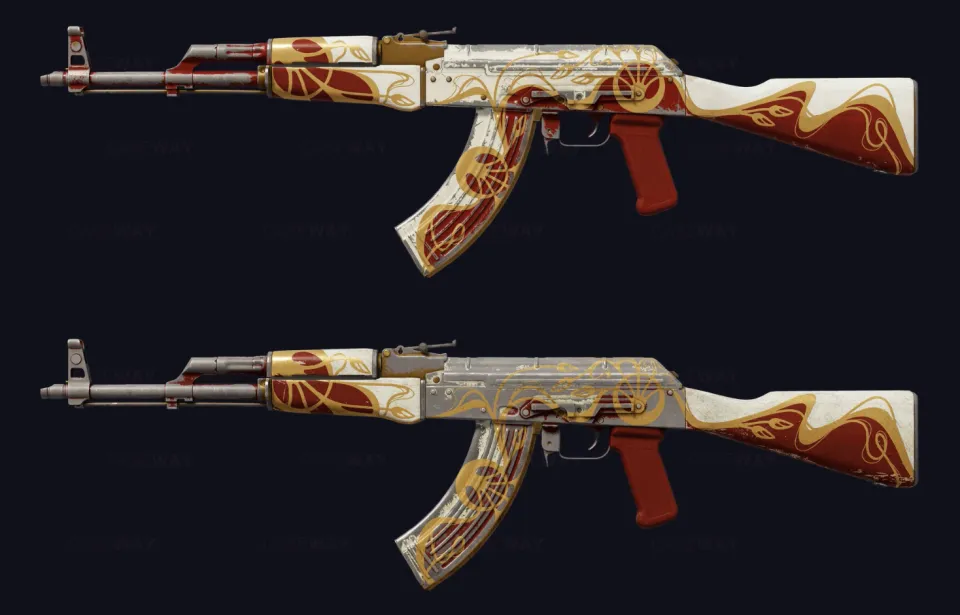
Where to check Float and compare skins
You can check a specific skin’s Float in the in-game inspection view or on third-party marketplaces. In the AK-47 | Nouveau Rouge inspection view in the Wiki, you can set any value within the skin’s range and compare how it looks. This helps you find the wear level you want, but you’ll still need to check the Float of the specific listing you’re considering.
- Check the skin’s Float range to see if it can be BS and where that range ends.
- In the inspection view, compare the start of the BS range with this skin’s maximum Float. It doesn’t have to be 1.00.
- Check the specific skin’s Float and how it looks.
- Compare the listing price with FT for the same version, especially if the seller charges extra for a lower Float.
First, compare the lowest and highest available BS Floats in the Wiki. If you’re happy with the more worn version, you won’t need to limit your search to skins near 0.45.
AK-47 | Nouveau Rouge prices by wear level
AK-47 | Nouveau Rouge has the full Float range, from 0.00 to 1.00, so it can appear in all 5 wear categories. The prices below are for the standard version, letting you compare not only BS and FT but also Well-Worn, the category next to BS.
| Wear | Float range | Price |
|---|---|---|
| Factory New | 0.00–0.07 | $52 |
| Minimal Wear | 0.07–0.15 | $20 |
| Field-Tested | 0.15–0.38 | $7.94 |
| Well-Worn | 0.38–0.45 | $5.75 |
| Battle-Scarred | 0.45–1.00 | $5.21 |
Don’t treat the BS median as the price of a skin with a Float near 0.45. Sellers usually ask more for lower Floats within this wear category.
 Skins
 GuideRead
FAQ
What does Battle-Scarred mean in CS2?
Battle-Scarred, or BS, is a wear level that covers Float values from 0.45 to 1.00. But a specific skin may have a lower maximum Float, so the BS label doesn’t mean every finish looks equally worn.
What Float range does Battle-Scarred cover?
The full range is 0.45–1.00. A specific skin only covers the slice that fits within its own limits. For example, for AWP | Fever Dream BS, it caps at 0.55.
Why can’t some skins be Battle-Scarred?
Every skin has its own Float range. If its maximum Float is too low for it to reach BS, it can’t drop in that wear category. Caseway Wiki lists 204 such weapon skins out of 1,451, excluding knives and gloves.
Should you buy a BS skin?
BS is worth considering if you like how the specific skin looks and it costs noticeably less than FT. We’d lean toward FT if the prices are almost the same. If there’s a big gap, inspect the BS version first. The wear label alone won’t tell you how the skin looks or how much you’ll save.