


CS2 pro player China22 years, August 31, 2004Rifler
 Rare Atomon the team since May 9, 2026Player’s inventoryLiquipedia
Trash CS2 settings
Tian Aojie田傲杰China22 years, August 31, 2004RiflerRare Atomon the team since May 9, 2026Player’s inventoryLiquipediaEarnings$8,355prize money of the player’s teams, per LiquipediaTeams in career4playing 2024 – present
Settings
Crosshair
CSZaytb885taTQjiX4inXR3aPYYt8kk99W7qBPmYSUF5WKConverted from pre–22 September 2026 settings using the old game rules for 1280×960 — this is how Trash’s crosshair looked. Check it in game before a match.
Open in the generatorMouse and sensitivity
- DPI
- 400
- Sensitivity
- 2
- eDPI
- 800
- 360° turn
- 52 cm
- Zoom sensitivity
- 1
- Polling rate
- 1000 Hz
- Windows sensitivity
- 6/11
Video
- Resolution
- 1280×960
- Aspect ratio
- 4:3
- Scaling
- stretched
- Monitor refresh rate
- 600 Hz
- Display Mode
- Fullscreen
- Brightness
- 100%
Advanced Video
- Boost Player Contrast
- On
- V-Sync
- Off
- NVIDIA Reflex Low Latency
- On
- NVIDIA G-Sync
- Off
- Maximum FPS In Game
- 1000
- Multisampling Anti-Aliasing Mode
- 2x MSAA
- Global Shadow Quality
- Very High
- Dynamic Shadows
- All
- Model / Texture Detail
- Low
- Texture Filtering Mode
- Bilinear
- Shader Detail
- Low
- Particle Detail
- Low
- Ambient Occlusion
- Off
- High Dynamic Range
- Quality
- FidelityFX Super Resolution
- Disabled (Highest Quality)
Viewmodel
- viewmodel_fov
- 68
- viewmodel_offset_x
- 1.7
- viewmodel_offset_y
- 0
- viewmodel_offset_z
- -2
HUD and radar
- HUD Scale
- 1
- HUD Color
- Team Color
- Radar Centers The Player
- On
- Radar Is Rotating
- On
- Toggle Square Shape With Scoreboard
- On
- Radar Hud Size
- 1
- Radar Map Zoom
- 0.35
Launch options
-novid -tickrate 128 -freq 240 -highPlayer config
Trash’s file, adapted to today’s CS2.
- Values taken from the page, where they are newer than the file: 5.
- The crosshair is the current one, as on the page.
- Binds and everything else are as the player has them, grouped by section.
- Put the file into the game’s config folder:
Steam\steamapps\common\Counter-Strike Global Offensive\game\csgo\cfg - In Steam: CS2, “Properties”, “Launch options” — paste this line so the game runs the file on every launch:
+exec trash - Or right in the game: open the console and type exec trash.
Gear
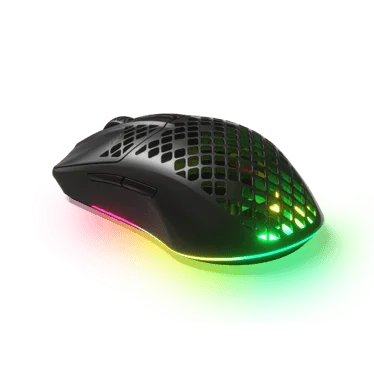 MouseSteelSeries Aerox 3 Wireless Black
 MousepadSteelSeries QcK Large Black
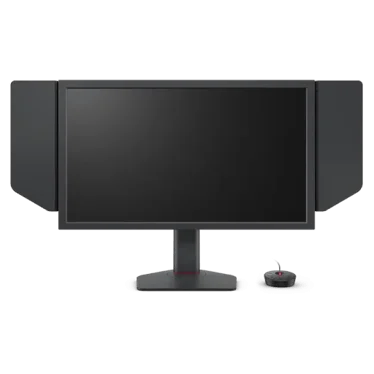 MonitorZOWIE XL2586X+
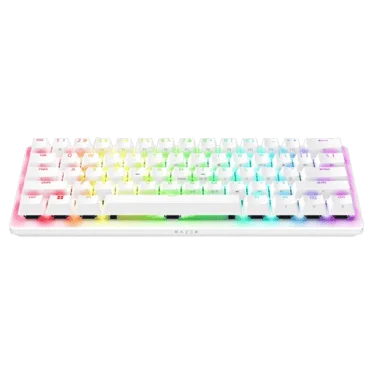 KeyboardRazer Huntsman V3 Pro Mini White
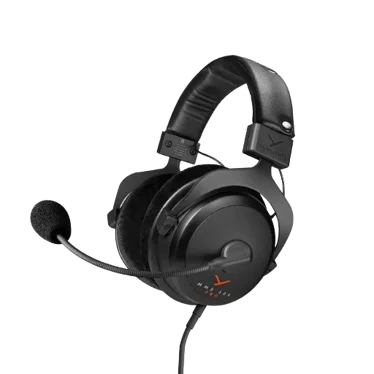 Headsetbeyerdynamic MMX 300 PRO
Top achievements
Latest wins and finals at big events- #2ESL Challenger League Season 52: Asia - Cup #1
 Rare Atom$2,500
 - #1Perfect World Arena TOP League Season 23Rare Atom$2,216
- #1ESL Challenger League Season 51: Asia - Cup #3
 FengDa Gaming$5,000
 - #1ESL Challenger League Season 51: Asia - Cup #2FengDa Gaming$5,000
- #3VOID Masters 2025FengDa Gaming$2,000
- #3ESL Challenger League Season 50: Asia - Cup #4FengDa Gaming$1,500
- 13th - 16thFISSURE Playground #1Rare Atom$5,000
- #1GangKui Cup Season 1Rare Atom$5,000
- #1Perfect World College League Spring 2025Beijing Institute of Petrochemical Technology$1,388
- #1RGG Invitational Season 1E9 Esports$345
Career
4 teams- Rare Atomsince May 9, 2026, 5 months
 FengDa GamingAug 2025 – May 2026, 9 months
- Rare AtombenchedAug 2025 – Aug 2025, under a month
- Rare AtomJun 2025 – Aug 2025, 2 months
- E9 EsportsApr 2025 – Jun 2025, 2 months
- LaiShanHuiDec 2024 – Apr 2025, 4 months
- E9 EsportsMay 2024 – Dec 2024, 7 months











FAQ
Found a mistake or inaccuracy?
Data: Liquipedia (player page), license CC BY-SA 3.0. Some details were checked by hand against several sources, including ProSettings.net. Settings: September 3, 2026. Updated daily: current and former players of teams that have played S-Tier events since 2024, everyone who made HLTV’s top 20 players of the year, and other pro players.