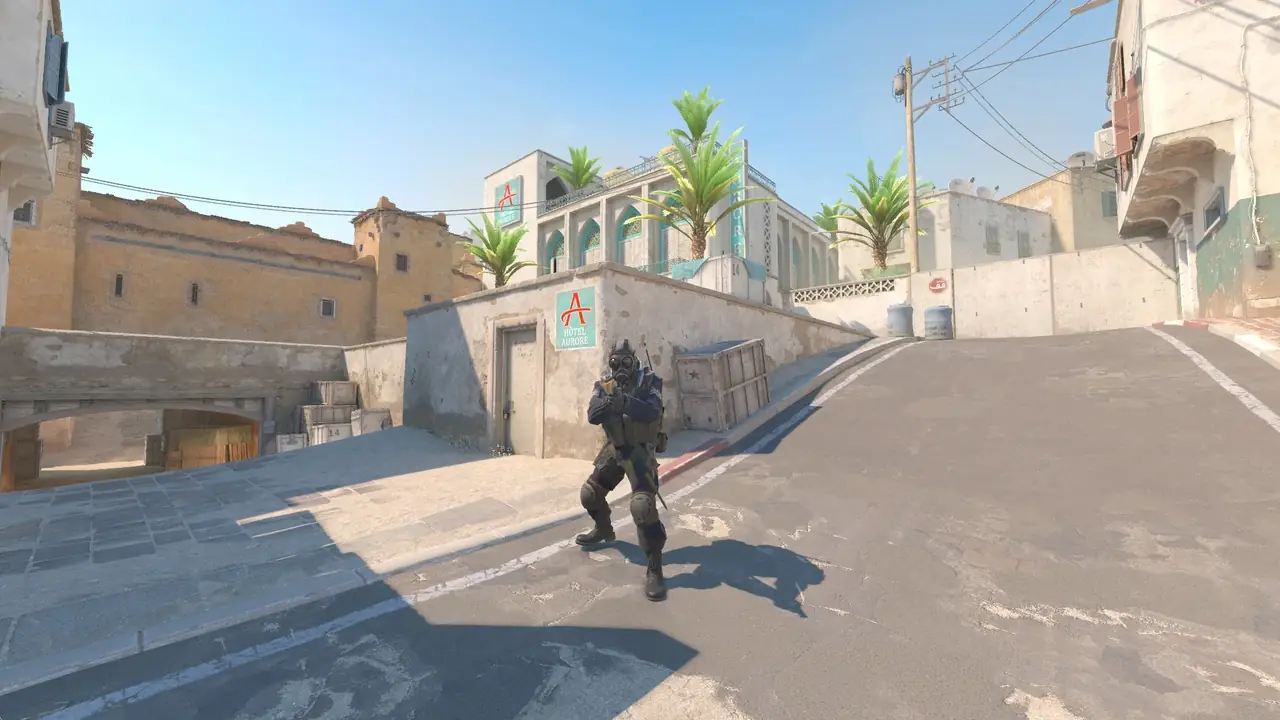
Build a crosshair to the game’s new rules — in pixels, with a style and outline — test it on different backgrounds and copy the code or console commands.
Copied as one line separated by “;” — paste it into the game console or autoexec.cfg.
Caseway casesCrosshair set — now get a skin for your weapon from Caseway cases.Open cases
Crosshair basics
Copy the code, then in game open Settings, the Crosshair tab, the “Share or Import” button — and paste it. The other way is the console: paste the whole command line and press Enter.
In the Rush Hour update on 22 September 2026 Valve reworked crosshairs: length, thickness and gap are now set in pixels rather than on an arbitrary scale. On 30 September the code format changed too: new codes start with CS, and the game no longer accepts CSGO-… codes. The generator turns an old code into a new one: codes from after 22 September convert without loss, older ones are recalculated using the old game rules for the chosen screen height. Check the crosshair in game before a match.
A dynamic crosshair spreads out as you move and shoot, showing your current inaccuracy. A static one doesn’t change — almost all pro players in our section use a static one.
Crosshair sizes are now in pixels, and a pixel on a 1440p monitor is smaller than on 1080p. The code stores the screen height the crosshair was built for: if whoever pastes it has a different resolution, the game rescales it.
The crosshair follows the game’s current rules; circles, squares and the movement of dynamic styles are approximate in the preview.

 your country first